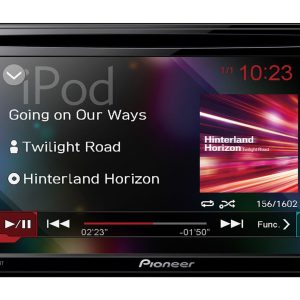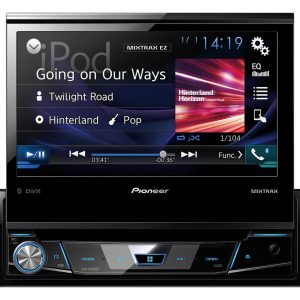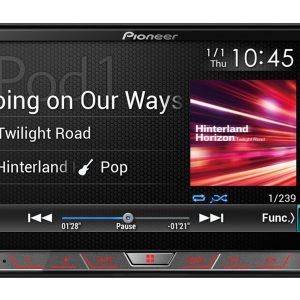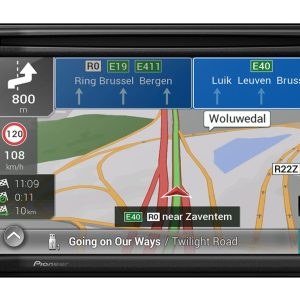
Pioneer DMH-A340DAB Multimedia Receiver
329,00 €
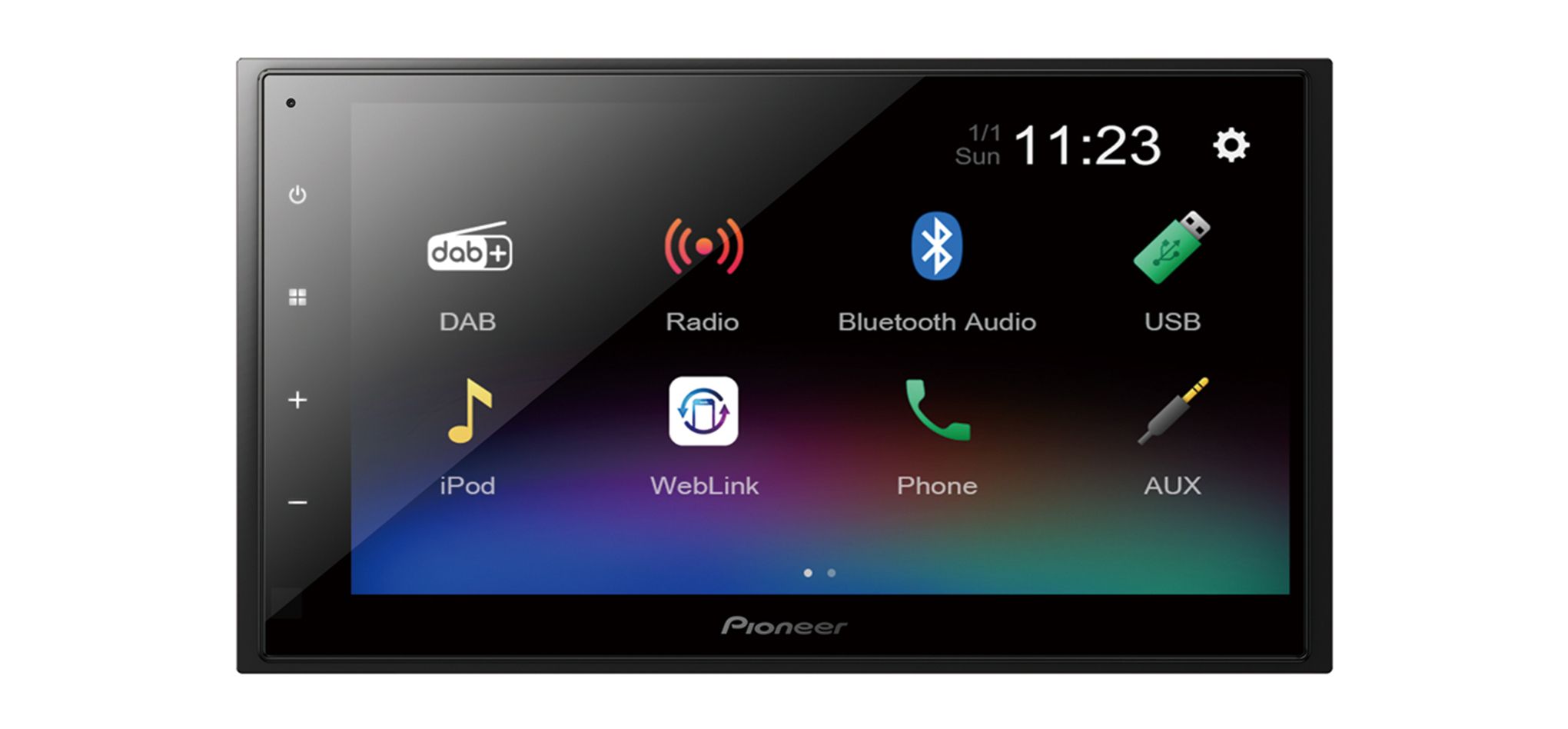
The Pioneer DMH-A340DAB is a short-chassis 2 DIN car multimedia receiver for digital radio, USB media and phone functions. A compatible iPhone or Android phone connects through a single USB cable, allowing compatible content to be mirrored and controlled from the dashboard. Bluetooth provides wireless music streaming and hands-free calling, while a 13-band graphic equaliser is available for sound adjustment.
The Pioneer DMH-A340DAB multimedia receiver is a short-chassis 2 DIN unit designed for in-car use. It combines essential radio, media and phone functions in one device. A compatible iPhone or Android phone can be connected using a single USB cable, allowing compatible phone content to be mirrored and controlled from the dashboard.
Who is this receiver for?
This car multimedia receiver, also known as a car AV receiver, is suitable for drivers who want convenient access to different sources and control options through one unit.
The short chassis simplifies installation where space behind the dashboard is limited. A 2 DIN installation slot is required.
Phone and USB connectivity
To mirror compatible phone content and control it from the dashboard, connect a compatible iPhone or Android phone with a single USB cable. The product information specifies wired phone mirroring via USB; wireless mirroring is not stated.
It is worth planning an accessible route for the USB cable before installation. This makes everyday phone connection easier without removing dashboard trim. The USB connection can also play audio and video content stored on USB devices.
Use Bluetooth for wireless music streaming and hands-free calls. When you want to mirror content from a compatible phone, use the USB connection.
Radio and media sources
The receiver supports DAB and DAB+ digital radio, allowing digital radio broadcasts to be used in the car alongside the other supported sources.
A USB device can hold audio or video content, so everyday listening does not have to depend on a phone or Bluetooth connection. You can select the source that best suits the media and control method you want to use at the time.
Sound adjustment
The 13-band graphic equaliser lets you adjust different frequency ranges. During initial setup, begin with neutral settings. Then make small adjustments to the areas that sound too prominent or too weak inside the vehicle.
Evaluate the settings from your normal driving position and at your usual listening volume. After each adjustment, compare several familiar tracks. This helps prevent you from creating a setting that works well for only one recording.
Installation considerations
The short chassis reduces the installation depth required. It also leaves more room behind the receiver for arranging cables and connectors neatly, which is particularly useful in a confined dashboard cavity.
Before fitting the receiver permanently, connect the sources you intend to use and test their operation. You should also choose the USB cable exit point in advance. It needs to be convenient for connecting both a phone and USB storage media.
Technical specifications
| Model | Pioneer DMH-A340DAB |
|---|---|
| Device type | Car multimedia receiver |
| Installation format | 2 DIN |
| Chassis design | Short chassis |
| Phone connection | Single USB cable |
| Supported phones | Compatible iPhone and Android phones |
| Phone functions | Content mirroring and dashboard control |
| Digital radio | DAB and DAB+ |
| USB playback | Audio and video content |
| Wireless connectivity | Bluetooth |
| Bluetooth functions | Wireless music streaming and hands-free calls |
| Sound adjustment | 13-band graphic equaliser |
FAQ
Can the phone screen be mirrored wirelessly?
The product information specifies wired phone mirroring via USB; wireless mirroring is not stated.
Which phones can be connected?
Specific phone models, operating-system versions and required applications are not listed, so compatibility should be checked before purchase.
When should I use USB, and when should I use Bluetooth?
Use USB to mirror phone content or play media from a USB device. Bluetooth is more convenient for wireless music streaming and hands-free calls.
How should I begin adjusting the 13-band equaliser?
Start with neutral settings and listen from the driver’s seat. Adjust one band at a time in small steps.
What should be considered before installation?
The vehicle must have a 2 DIN installation slot. Choose an easily accessible exit point for the USB cable before fitting the receiver.