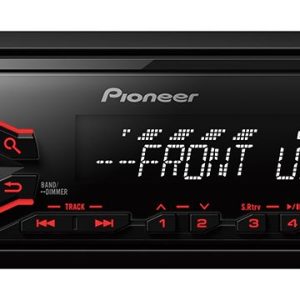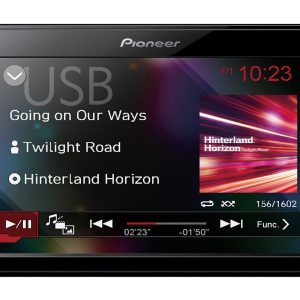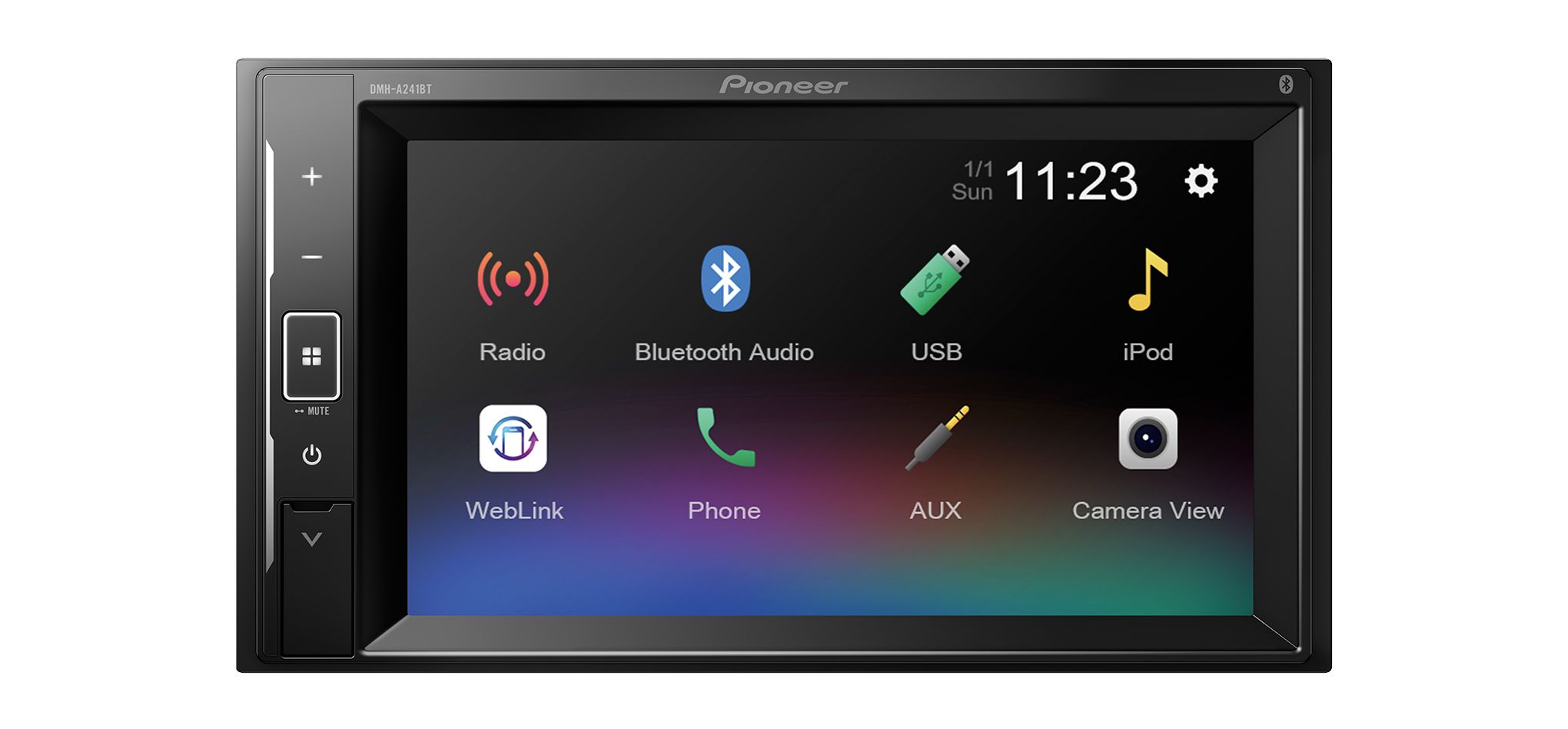
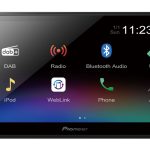
Pioneer DMH-A241BT 2-DIN Receiver
249,00 €
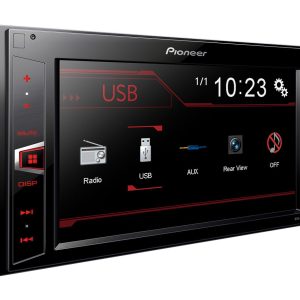
Pioneer DMH-A241BT is a short-chassis 2-DIN in-car audio and video receiver for drivers who use digital sources. A compatible iPhone or Android phone connects using a single USB cable. According to the seller’s description, phone content can be displayed and supported functions controlled from the dashboard; compatibility with the specific phone should be checked before purchasing. Bluetooth is provided for music streaming and hands-free calls, while the 13-band graphic equaliser lets you tailor the sound to the vehicle interior.
Pioneer DMH-A241BT 2-DIN Receiver is a short-chassis in-car audio and video receiver. According to the seller’s description, content from a compatible phone can be displayed, while supported functions can be controlled from the dashboard. A phone can be connected with a USB cable, and Bluetooth provides wireless music streaming and hands-free calling.
Who is this receiver for?
Installation requirements, including the need for a 2-DIN opening and the characteristics of the short chassis, are covered in the “Installation considerations” section.
The receiver is designed around digital audio and video sources. Music can be played from a USB device or streamed wirelessly. Video content can also be played from USB devices.
Connecting a phone or USB device
A compatible iPhone or Android phone connects using a single USB cable. According to the seller’s description, this connection makes it possible to display content from a compatible phone and control supported functions from the dashboard. Before purchasing, we recommend checking compatibility with the specific phone, its operating system and its software. A suitable USB cable is required.
The USB connection is the appropriate choice when controlling supported phone functions or playing content from USB storage is important. Phone compatibility is essential for these functions. The name of the operating system alone does not guarantee that every function will work.
Bluetooth is more convenient for everyday wireless music listening. It is also used for hands-free calls. This connection method is intended for wireless audio and calling, while the seller’s description identifies USB as the connection used to display compatible phone content and control supported functions.
Sound adjustment
The 13-band graphic equaliser lets you adjust separate frequency ranges. This helps tailor the sound to the vehicle interior, the installed speakers and the type of music being played.
During the initial setup, leave all bands in their neutral positions. Then listen to a familiar recording at your usual volume. Adjust one band at a time in small steps. This approach makes it easier to hear the effect of each individual change.
If vocals sound obscured, begin by carefully adjusting the midrange. If the sound is too sharp, reduce the relevant higher-frequency bands. Large boosts across several bands can upset the overall tonal balance.
Installation considerations
The short chassis is a design feature of this model. The vehicle must have a 2-DIN opening intended for this installation format. During installation, make sure that cables are not stretched and that connectors are not trapped or compressed behind the unit.
Choose a phone cable that matches the connector on the phone. Route it so that it does not interfere with any controls. If you plan to change the files on a USB storage device frequently, keep the device in an easily accessible location.
Technical specifications
| Model | Pioneer DMH-A241BT |
|---|---|
| Device type | In-car audio and video receiver |
| Installation format | 2-DIN |
| Chassis | Short chassis |
| Compatible phones | Compatible iPhone and Android phones |
| Phone connection | Single USB cable |
| Phone functions | The seller’s description states that content from a compatible phone can be displayed and supported functions can be controlled from the dashboard |
| USB playback | Audio and video content |
| Wireless connection | Bluetooth |
| Bluetooth functions | Wireless music streaming and hands-free calls |
| Sound adjustment | 13-band graphic equaliser |
FAQ
Can the receiver be used without connecting a phone?
Yes. Audio and video content can be played from USB devices. A phone is only required for functions associated with the phone.
When should I use USB, and when should I use Bluetooth?
The seller’s description identifies USB as the connection for displaying content from a compatible phone and controlling supported functions. Bluetooth is convenient for wireless music streaming and calls.
What is required to connect a phone?
You need a compatible iPhone or Android phone and a suitable USB cable. The specific cable type depends on the connector fitted to the phone.
How should I begin adjusting the sound?
Start with neutral equaliser settings. Then change one band at a time and assess the result from the driver’s seat.
Is the required USB cable included?
The supplied information does not state whether the required USB cable is included, so this should be checked before purchasing.
Related products