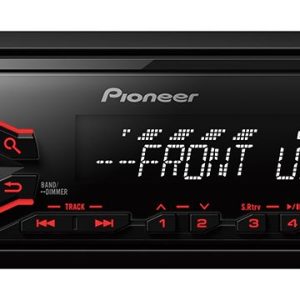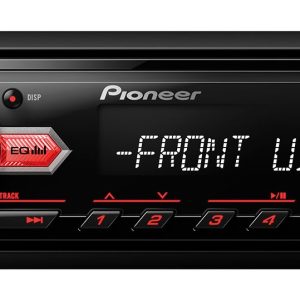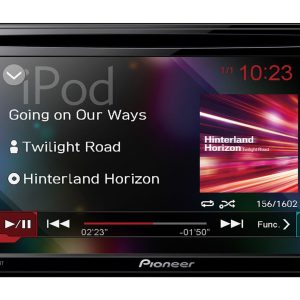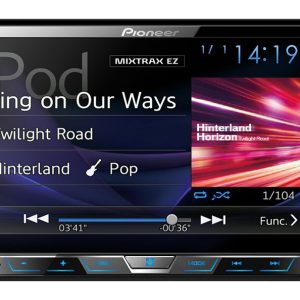
Pioneer DMH-A240DAB Car Multimedia Receiver
269,00 €
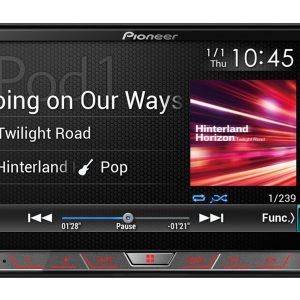
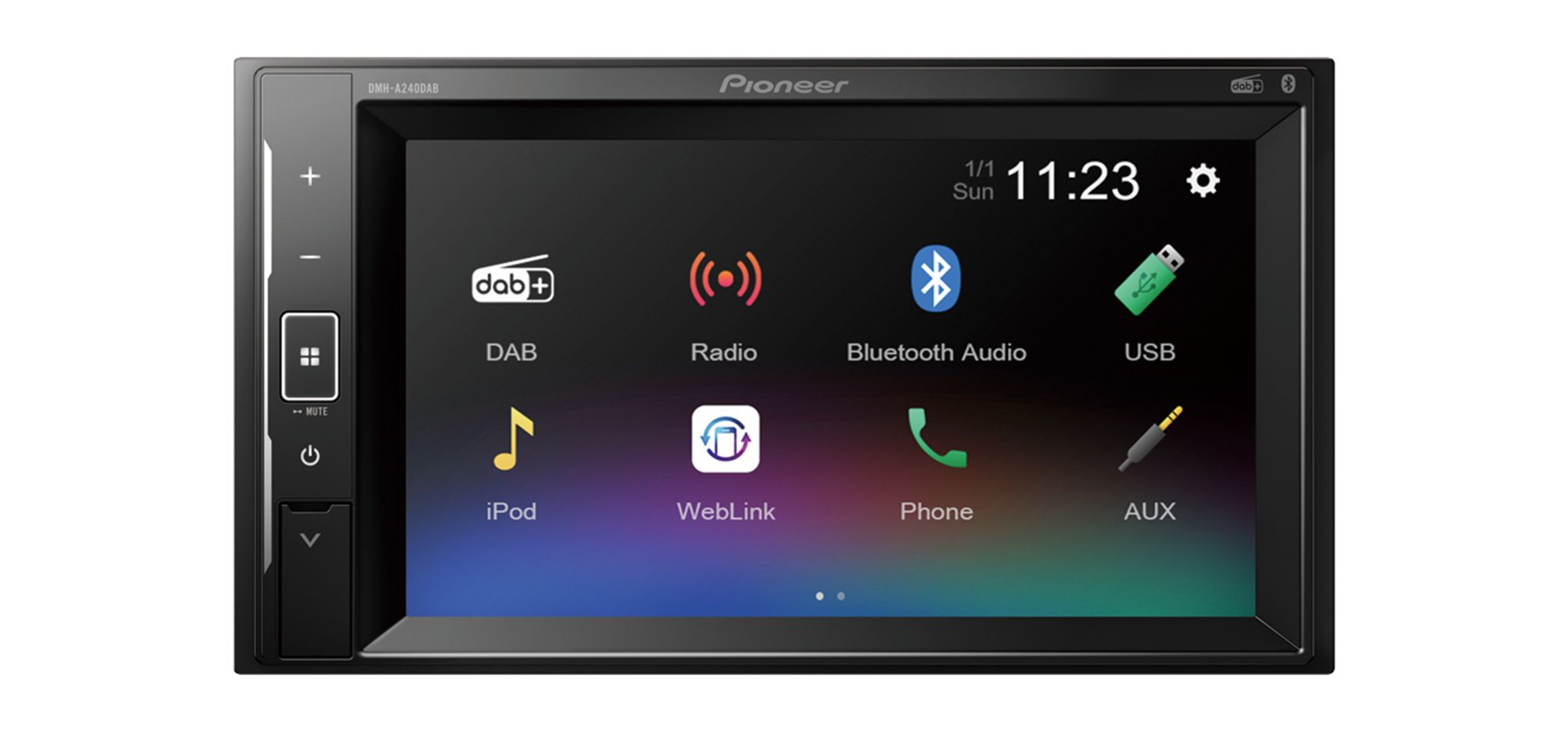
The Pioneer DMH-A240DAB is a short-chassis 2-DIN car multimedia receiver for music, radio and compatible phone functions. The screen of a compatible iPhone or Android phone connected with a single USB cable can be mirrored, while the phone can be controlled from the dashboard. The DAB/DAB+ tuner receives digital radio, and Bluetooth supports wireless music streaming and hands-free calls. Sound can be adjusted with the 13-band graphic equaliser.
The Pioneer DMH-A240DAB receiver is a short-chassis 2-DIN digital car multimedia receiver. It is designed for controlling a compatible phone from the dashboard and listening to digital radio.
The short chassis makes installation easier when space behind the centre console is limited. The unit receives DAB and DAB+ radio, plays content from USB storage devices and supports Bluetooth connectivity.
Phone connection via USB
A compatible iPhone or Android phone can be connected using a single USB cable. This connection allows the phone screen to be mirrored and compatible functions to be controlled from the dashboard.
Choose the USB connection when controlling the phone through the receiver is important. Compatibility depends on the particular phone, its software and the functions being used. Simply belonging to the iPhone or Android family does not guarantee full compatibility.
Wireless music and calls
Bluetooth is provided for wireless music streaming and hands-free calls. It is a convenient choice when phone screen mirroring is not required. Once the phone has been paired, there is no need to connect the USB cable every time you want to stream music or make and receive calls.
For phone screen mirroring and control, use the USB connection. This gives the two connection options separate purposes instead of treating them as duplicate ways to access the same functions.
Radio and USB media
The DAB and DAB+ tuner lets you listen to digital radio stations. This feature is particularly useful for drivers who listen to the radio regularly and want access to a digital broadcasting source in the car.
Audio and video content stored on USB devices can also be played through the receiver. This provides a separate media source when your content is stored on a USB device rather than on your phone.
Sound adjustment
The 13-band graphic equaliser lets you tailor the sound to the vehicle interior and the music you listen to. Begin with every band in a neutral position. Then adjust one band at a time and compare the result from your usual driving position.
Large changes across several bands can overpower voices or make high frequencies too prominent. Small, gradual adjustments make it easier to hear the effect of each change and find a balanced setting.
Installation in the vehicle
The receiver is intended for a 2-DIN opening in the vehicle console. Its short chassis leaves more room behind the unit for arranging the required connectors and cables.
It is sensible to route the USB cable to a position where the phone can be connected without distracting the driver. The cable should not interfere with the vehicle controls or gear lever. Before securing the receiver permanently, test USB phone control, Bluetooth calling and DAB reception.
Technical specifications
| Model | Pioneer DMH-A240DAB |
|---|---|
| Device type | Digital car multimedia receiver |
| Installation size | 2-DIN |
| Chassis | Short chassis |
| Phone connection | Single USB cable for a compatible iPhone or Android phone |
| Phone functions via USB | Phone screen mirroring and control from the dashboard |
| Digital radio | DAB and DAB+ |
| USB playback | Audio and video content from USB devices |
| Bluetooth functions | Wireless music streaming and hands-free calls |
| Sound adjustment | 13-band graphic equaliser |
FAQ
Will the receiver work with every iPhone or Android phone?
The phone functions are intended for compatible devices. Operation depends on the particular phone, its software and the selected function.
When should I connect my phone via USB, and when should I use Bluetooth?
Choose USB for phone screen mirroring and control through the receiver. Bluetooth is more convenient for wireless music streaming and hands-free calls.
How can I correct sound that is too bright or too muted?
Move the equaliser bands closer to their neutral positions. Then adjust one band at a time in small steps and listen from the driver’s seat.
What should I consider when preparing the installation space?
The vehicle console must have a 2-DIN opening. You should also leave room behind the short chassis for the required connectors and neatly arranged cables.
Related products