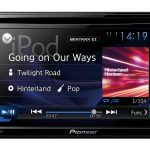
Pioneer AVH-290BT In-Car Multimedia Receiver
356,00 €
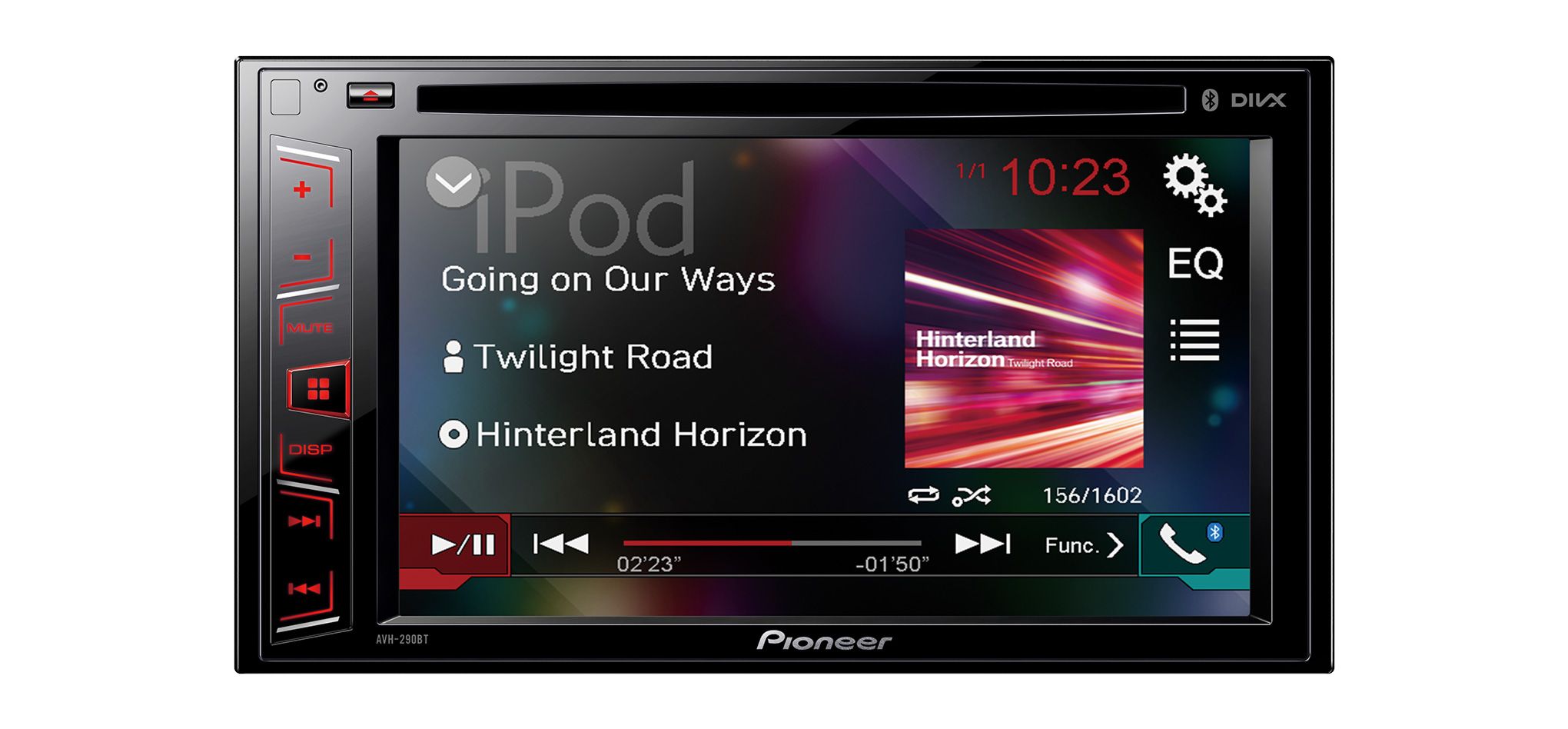
The Pioneer AVH-290BT is a 2-DIN in-car multimedia receiver for music, video, and hands-free calls. Its 6.2-inch touchscreen brings source selection and audio settings together in one place. Music can be played through Bluetooth, the rear USB or AUX input, or from CDs and DVDs. A USB extension cable and external microphone are included.
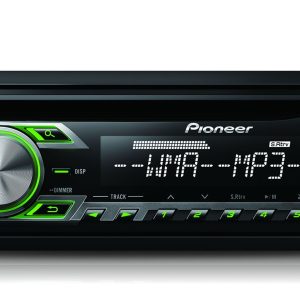
The Pioneer AVH-290BT is a 2-DIN in-car CD and DVD multimedia receiver. It is designed for playing music and video and making hands-free calls in the car. A 6.2-inch WVGA touchscreen provides access to its controls. Audio sources can be connected through Bluetooth, the rear USB or AUX input, or the built-in disc drive.
Controls and display
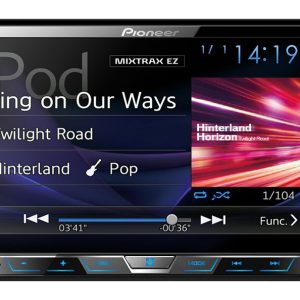
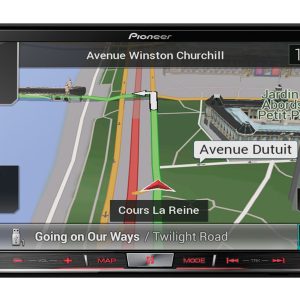
The 6.2-inch Clear Type touchscreen brings source selection, playback controls, and audio settings together in one place. It has a 16:9 aspect ratio. Selectable widescreen modes allow the proportions of the displayed image to be adjusted.
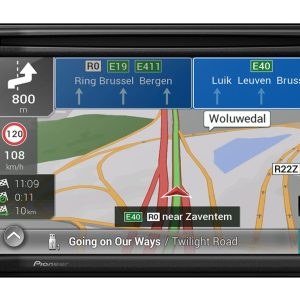
The rear-view camera switching function also allows the display to be used for a parking view. A camera connects through the dedicated rear-view camera input.
Music from your phone and hands-free calls
Bluetooth connectivity is provided for hands-free calls and wireless music streaming. Support is specified for the HFP, A2DP, and SPP profiles, along with Pioneer Bluetooth connection features. The supplied external microphone lets you choose a suitable position for voice pickup inside the cabin.
The microphone should be installed near the driver but outside the deployment area of any airbags. Its cable can be concealed behind the trim and routed to the receiver. Careful installation reduces the amount of visible wiring in the cabin.
Discs and playable files
The built-in drive plays CDs and DVDs. The DVD region code is 2, so discs from other regions may not play. MP3 audio files can be played from CD and DVD media.
A storage device can be connected through USB, but the supplied information does not confirm the specific file formats that can be played through this connection. If you intend to use an existing music or video collection, check its compatibility before transferring the entire library.
Connections and their uses
The rear USB input allows the connecting cable to be left in the glove compartment or another suitable place in the cabin. One USB extension cable is included. Its route should be planned when the receiver is installed because the connection is not located on the front panel.
The rear AUX input is intended for an analogue audio source. An AV input using RCA or a mini-jack is also specified, together with an RCA video connection. The rear video output can send a video signal to another display in the vehicle.
PAL, NTSC, and SECAM video system support is listed. The supplied information does not specify the particular input or output to which this support applies, so the compatibility of any connected video equipment should be assessed separately.
If you plan to add another display or a rear-view camera, it is sensible to prepare their cable routes before fitting the receiver permanently. This is especially important because the relevant connections remain behind the dashboard.
Understanding the amplifier rating
The MOSFET amplifier has a stated maximum output of 50 W × 4. This is a maximum rather than a continuous power rating, so it should not be compared directly with the continuous power figures quoted for other equipment.
When choosing speakers or assessing the system’s power, this figure should not be treated as the continuously available output for each channel. A separate continuous power specification is not included in the supplied information.
Apple device control
Direct iPod and iPhone control is provided, and the receiver carries the Made for iPod designation. This reflects compatibility from the period in which this model was released. Connections and software versions used by current phones may differ.
An iPod cable is not included and is listed as an optional accessory. Connecting an older Apple device may therefore require a separate cable.
Installation in the vehicle
The receiver requires a 2-DIN installation space. Its ISO connector is used for the main connection to the vehicle wiring. Cables for the rear USB, AUX, and video connections need to be routed before the unit is fitted permanently.
A wired remote-control input and multifunction display support are specified, but no particular vehicle systems are named. These features do not by themselves confirm that a factory display or steering-wheel buttons will operate with the receiver.
The optional ND-BC8 rear-view camera connects to the camera input. The optional CD-R33 remote provides remote DVD control. Neither the camera nor the remote control is included.
Technical specifications
| Model | Pioneer AVH-290BT |
|---|---|
| Device type | In-car CD and DVD multimedia receiver |
| Installation format | 2-DIN integrated entertainment centre |
| Display | 6.2-inch WVGA Clear Type touchscreen |
| Display format | 16:9 with selectable widescreen modes |
| Bluetooth functions | Hands-free calling, audio streaming, and Pioneer Bluetooth connection features |
| Bluetooth profiles | HFP, A2DP, SPP |
| USB input | Rear |
| AUX input | Rear |
| AV input | RCA or mini-jack |
| Video connections | RCA video connection and rear video output |
| Camera connection | Rear-view camera input and image switching function |
| Video systems | PAL, NTSC, SECAM |
| Main connection | ISO |
| Control connection | Wired remote-control input |
| Additional support | Multifunction display |
| Apple functions | iPod and iPhone operation, direct control, and Made for iPod |
| Disc drive | CD and DVD |
| DVD region | 2 |
| Audio files from CD and DVD | MP3 |
| Maximum amplifier output | MOSFET 50 W × 4 |
| Included items | One USB extension cable and one external Bluetooth microphone |
| Optional accessories | iPod cable, ND-BC8 rear-view camera, and CD-R33 remote control |
FAQ
Will this receiver fit every car?
It requires a 2-DIN installation space and a suitable connection to the vehicle wiring. Cable routes must also be planned for the rear connections.
Which music source is best for everyday use?
Bluetooth audio streaming is the most convenient option for a phone. USB can be used for storage media after file compatibility has been checked, while AUX is suitable for an analogue source.
Is a rear-view camera included?
No. The ND-BC8 camera is an optional accessory. The receiver has a camera input and an image switching function.
What is included with the receiver?
The package is specified as including one USB extension cable and one external Bluetooth microphone. The iPod cable, ND-BC8 camera, and CD-R33 remote control are optional accessories.
Why is 50 W × 4 not a continuous power rating?
The 50 W × 4 figure is stated as the amplifier’s maximum output, which is not available continuously. No continuous power specification is provided, so this rating cannot be compared directly with continuous power figures.
Will a current iPhone work with it?
iPhone and iPod control was designed for devices from the period in which this model was released. Compatibility with current connections and software is not confirmed.
Where should the rear USB and AUX cables be routed during installation?
Choose their routes before fitting the receiver. The USB cable can be led into the glove compartment or another convenient place in the cabin, while the AUX cable position should suit the analogue source being connected.