Pioneer AVH-A3200DAB Car Multimedia Receiver
479,00 €
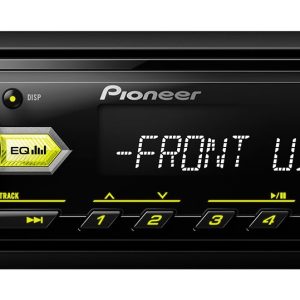
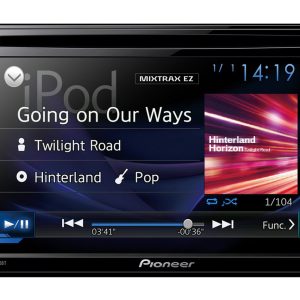
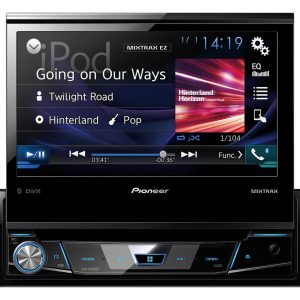
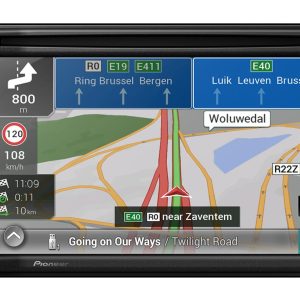
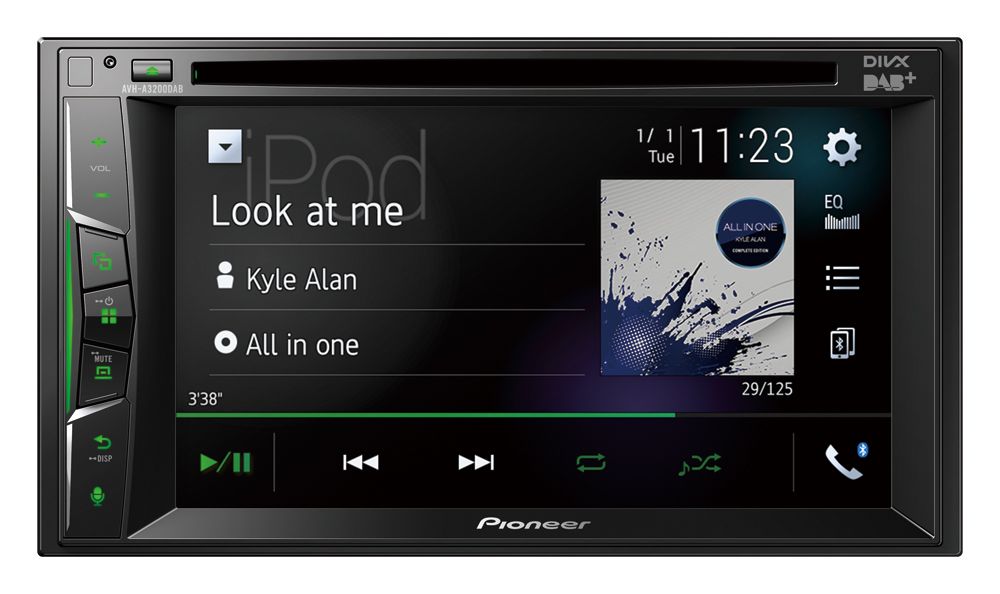
The Pioneer AVH-A3200DAB is a 2-DIN car multimedia receiver for vehicles with a suitable installation space. It receives DAB and DAB+ radio and plays CD audio, DVD video, and USB content. Connecting a compatible phone with one USB cable provides access to WebLink control. Bluetooth supports wireless music streaming and hands-free calls. Sound can be adjusted using the 13-band graphic equaliser, Auto EQ, and time alignment.
The Pioneer AVH-A3200DAB is a 2-DIN car multimedia receiver designed for in-car audio and video systems. It receives DAB and DAB+ digital radio stations and can also play audio CDs, video DVDs, and content stored on USB media.
A compatible iPhone or Android phone can be connected with a single USB cable. This connection provides access to WebLink control from the vehicle dashboard. Bluetooth is available for wireless music streaming and hands-free calling.
Who is this receiver for?
This model is suitable for a vehicle with a 2-DIN installation space in its centre console. It is a practical choice for anyone who wants to combine digital radio, a smartphone, discs, and USB media in one unit.
CD support lets you continue listening to an existing audio-disc collection. DVD playback allows you to use video discs, while the USB connection is useful for playing audio or video content from connected storage media.
Choosing between phone and wireless connections
Choose the USB connection when you want to use WebLink with a compatible phone. This function requires one USB cable. Operation depends on support from the phone model, operating system, application, and service.
The Bluetooth connection is intended for wireless music streaming and hands-free calls. It is a convenient option for everyday journeys when WebLink dashboard control is not required.
DAB and DAB+ provide a dedicated digital radio source. To listen to a personal music collection, you can use either a CD or USB media. The DVD source is intended for video content.
Sound adjustment
The 13-band graphic equaliser lets you adjust separate frequency ranges. Begin with neutral settings, listen carefully, and then make small changes only in the areas where the sound inside the vehicle needs better balance.
Auto EQ is designed to adjust the frequency balance automatically. Its result can be used as a starting point rather than a compulsory final setting. You can then tailor the sound to suit the music you listen to and the acoustic character of the vehicle interior.
Time alignment helps coordinate how long sound from different channels takes to reach the listening position. Assess each adjustment from your normal driving position. This makes it easier to hear whether the soundstage is centred or shifted toward one side.
Installation space and everyday use
The receiver requires a 2-DIN installation space in the vehicle console. If you plan to connect a phone, allow for a convenient USB cable route. The cable should not obstruct the vehicle controls or be pulled tight when the phone is connected.
If your phone will be the main source, choose an accessible place for it inside the vehicle. Disc users should also ensure that the front of the receiver remains easy to reach. Bluetooth can be used whenever wired WebLink control is unnecessary.
Technical specifications
| Model | Pioneer AVH-A3200DAB |
|---|---|
| Device type | Car multimedia receiver |
| Installation format | 2-DIN |
| Compatible phones | Compatible iPhone and Android phones |
| Phone connection | Single USB cable |
| WebLink | Dashboard control with a compatible phone |
| Digital radio | DAB and DAB+ |
| CD playback | Audio content |
| DVD playback | Video content |
| USB media | Audio and video content |
| Wireless connection | Bluetooth |
| Bluetooth functions | Wireless music streaming and hands-free calls |
| Graphic equaliser | 13-band |
| Automatic equaliser | Auto EQ |
| Time alignment | Included |
| Sound settings | Individually adjustable |
FAQ
When is this receiver a suitable choice?
It is intended for buyers who need a 2-DIN receiver with several different media sources. One unit provides DAB radio, disc playback, USB connectivity, and Bluetooth.
What is required to use WebLink?
You need a compatible iPhone or Android phone and one USB cable. Operation also depends on support from the application, operating system, and service.
When should I use USB, and when should I use Bluetooth?
Choose USB for WebLink control or for content stored on USB media. Bluetooth is more convenient for wireless music streaming and hands-free calling.
How should I begin adjusting the sound?
Start by listening with neutral equaliser settings. Then try Auto EQ and assess the result from the driver’s seat. Use time alignment to correct the position of the soundstage.
What installation space does the vehicle need?
The vehicle console must have a 2-DIN installation space. During installation, it is also worth planning a convenient route for the USB cable to the place where the phone will be used.