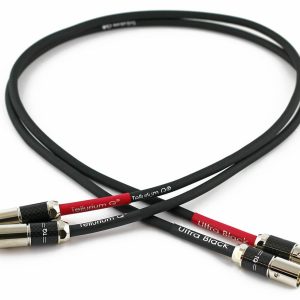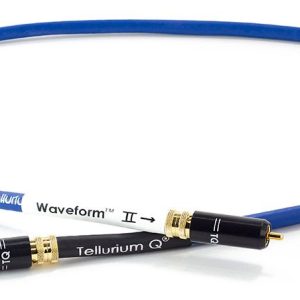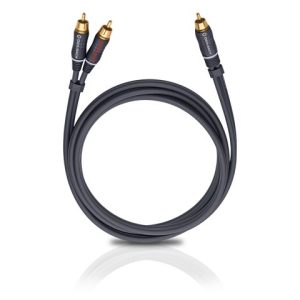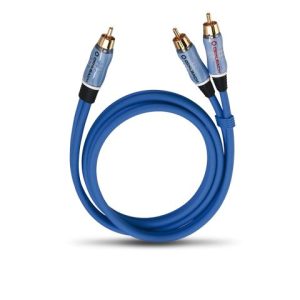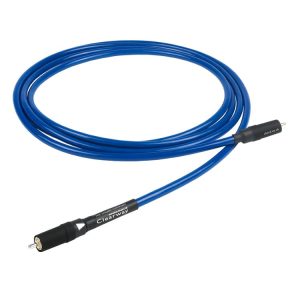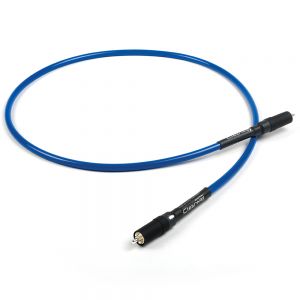
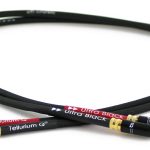
Tellurium Q BK-RCA RCA Interconnect Cable
331,00 €
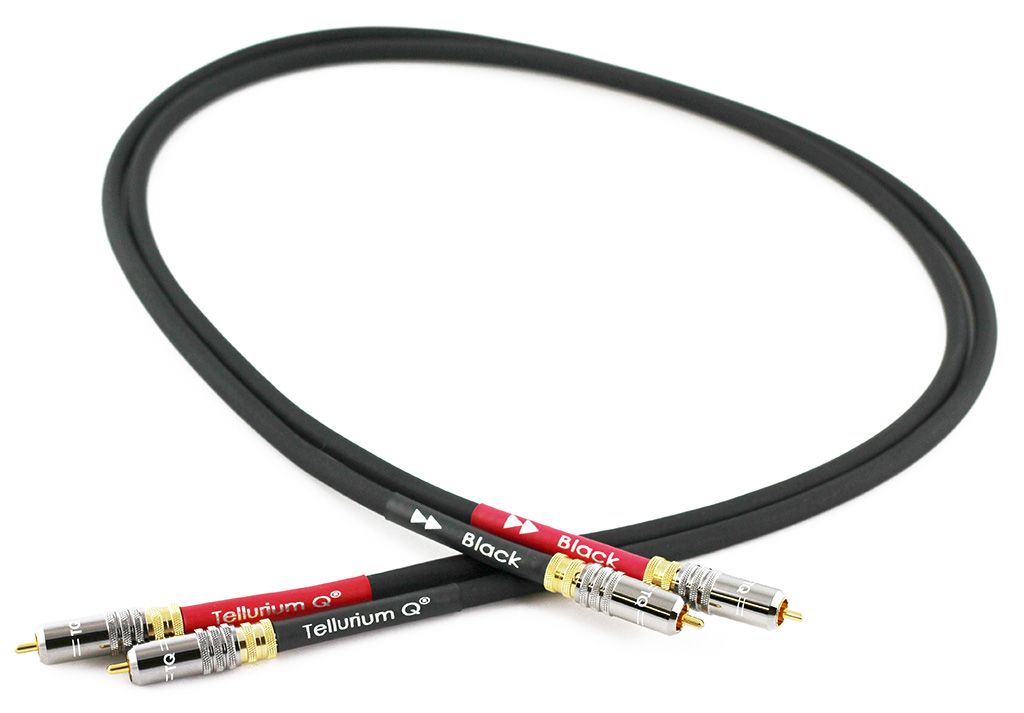
The Tellurium Q BK-RCA is an RCA line-level interconnect cable for analogue audio connections between compatible devices. It connects an analogue RCA output to a corresponding RCA input. The BK-RCA is also referred to as the “Black RCA” in the store catalogue. It is not intended to replace speaker connections, HDMI, optical or digital coaxial connections.
The Tellurium Q BK-RCA cable is an analogue RCA interconnect cable designed to carry a line-level audio signal within a compatible sound system. The BK-RCA is also referred to as the “Black RCA” in the store catalogue.
Compatibility
Choose this model when one device has an analogue RCA output and the other has a corresponding RCA input. These connections are commonly labelled “Audio Out”, “Line Out”, “Audio In” or “Line In”. It is important to check the purpose of each socket rather than relying on its shape alone.
RCA connectors can carry several different kinds of signal. An analogue output must therefore not be connected to a digital coaxial input. This cable is not a substitute for an optical, HDMI or speaker connection. It does not change the signal format or perform digital-to-analogue or analogue-to-digital conversion.
Connection in a Stereo System
In a stereo system, the line-level signal travels between an audio source and an amplifier. Before making the connection, read the socket labels and confirm that their intended functions meet the conditions described in the compatibility section.
The left and right channels must be connected to identically marked sockets at both ends of the system. Do not reverse the channels at one end of the cable. Correct channel matching preserves the intended left-to-right stereo layout at the listening position.
Installation and Initial Check
Switch off both devices before connecting the cable. Connect the output of the source component to the input of the receiving component. Make sure that each plug is fully inserted, but do not use excessive force.
After switching on the system, begin with the volume set low. Select the amplifier input to which the cable has actually been connected. If there is no sound, check the purpose of the source output, the selected amplifier input and the connections for both channels.
Never connect two outputs to one another. The cable should not be connected between two inputs either, as a valid signal path requires an output at the source end and a suitable input at the receiving end.
Cable Routing
Route the RCA cable away from power cables, extension leads and power supplies. If an audio cable and a power cable must cross, arrange them at as close to a right angle as practical. Careful routing helps reduce the likelihood of unwanted interference entering the analogue signal path.
Do not wind the cable into very tight loops or subject it to sharp bends. When disconnecting it, hold and pull the plug housing rather than the cable itself. Leave enough slack to prevent continuous pulling or sideways pressure on the plugs and equipment sockets.
The cable should not be stretched tightly between separate shelves or equipment enclosures. Plan the position of the components before completing the installation. Keep the connections accessible and make sure the cable does not press against sharp furniture edges.
Use in a Home Cinema System
In a home cinema system, this type of cable is used only for an analogue line-level connection. The signal path must include a compatible RCA output and input. For example, an analogue preamplifier output may be connected to the corresponding input on a power amplifier.
A multichannel analogue system requires a separate signal path for every channel. Plan the number of connections according to the inputs and outputs being used, and match their channel labels carefully. The BK-RCA does not replace an HDMI connection that carries multichannel digital audio through a single cable.
Turntable System Considerations
An RCA connection on a turntable may carry a low-level phono signal rather than a line-level signal. Such a signal path requires a suitable phono-stage input or a separate phono preamplifier. The fact that the sockets share the same RCA form does not remove this functional difference.
A turntable system may also require a separate grounding connection. An RCA interconnect does not automatically provide that function. The correct connection arrangement depends on the turntable and the phono-stage signal path.
Technical Specifications
| Manufacturer | Tellurium Q |
|---|---|
| Model | BK-RCA |
| Product type | RCA line-level interconnect cable |
| Signal type | Analogue line-level audio signal |
| Purpose | Connecting the RCA output of an audio device to a compatible RCA input |
FAQ
How can I tell whether this cable is suitable for my equipment?
Check the intended purpose of the sockets on both devices. You need an analogue RCA output on one component and a corresponding RCA input on the other. Similar-looking sockets alone do not confirm compatibility.
Which amplifier input should I use?
Use an analogue line-level RCA input that is appropriate for the connected source. Select a phono input only for a turntable signal path specifically designed to use it.
Is this cable suitable for a digital coaxial connection?
No. This model is classified as an analogue RCA interconnect cable. For a digital coaxial connection, choose a cable intended for that specific purpose.
Can it be used in a stereo system?
Yes, provided that the source and amplifier use compatible analogue RCA connections. Connect the left and right channels according to the labels on both devices.
How should I plan a multichannel analogue connection?
Every analogue channel needs its own compatible output, input and signal path. Count the channels you intend to use and check the corresponding labels on both devices. This cable does not replace HDMI.
How can I reduce the likelihood of interference?
Keep the cable away from power leads and power supplies. Where cables must cross, route them at as close to a right angle as possible. Also check that every plug is inserted securely.
Can I connect speakers directly with this cable?
No. An RCA interconnect carries a line-level signal between components. Speakers require speaker cables and connections that correspond to the amplifier’s speaker outputs and the terminals on the speakers.