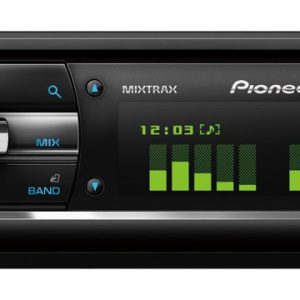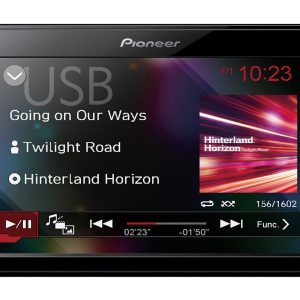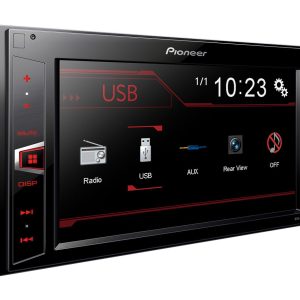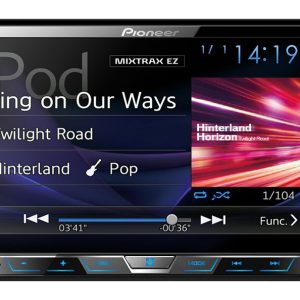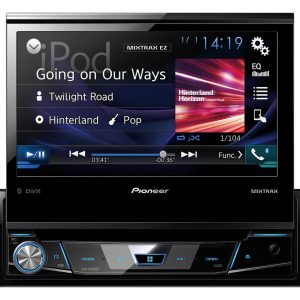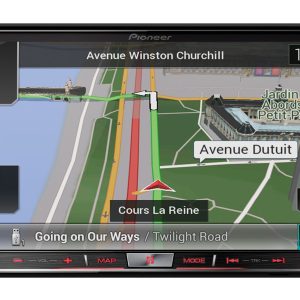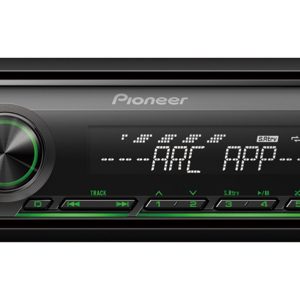
Pioneer AVH-A240BT Car Multimedia Receiver
275,00 €
Pioneer AVH-A240BT is a 2-DIN car multimedia receiver for controlling music, video content, and phone functions from the dashboard. A compatible iPhone or Android phone connects with a single USB cable, allowing supported screen mirroring. Bluetooth provides wireless music streaming and hands-free calling, while the 13-band graphic equaliser enables sound adjustment.
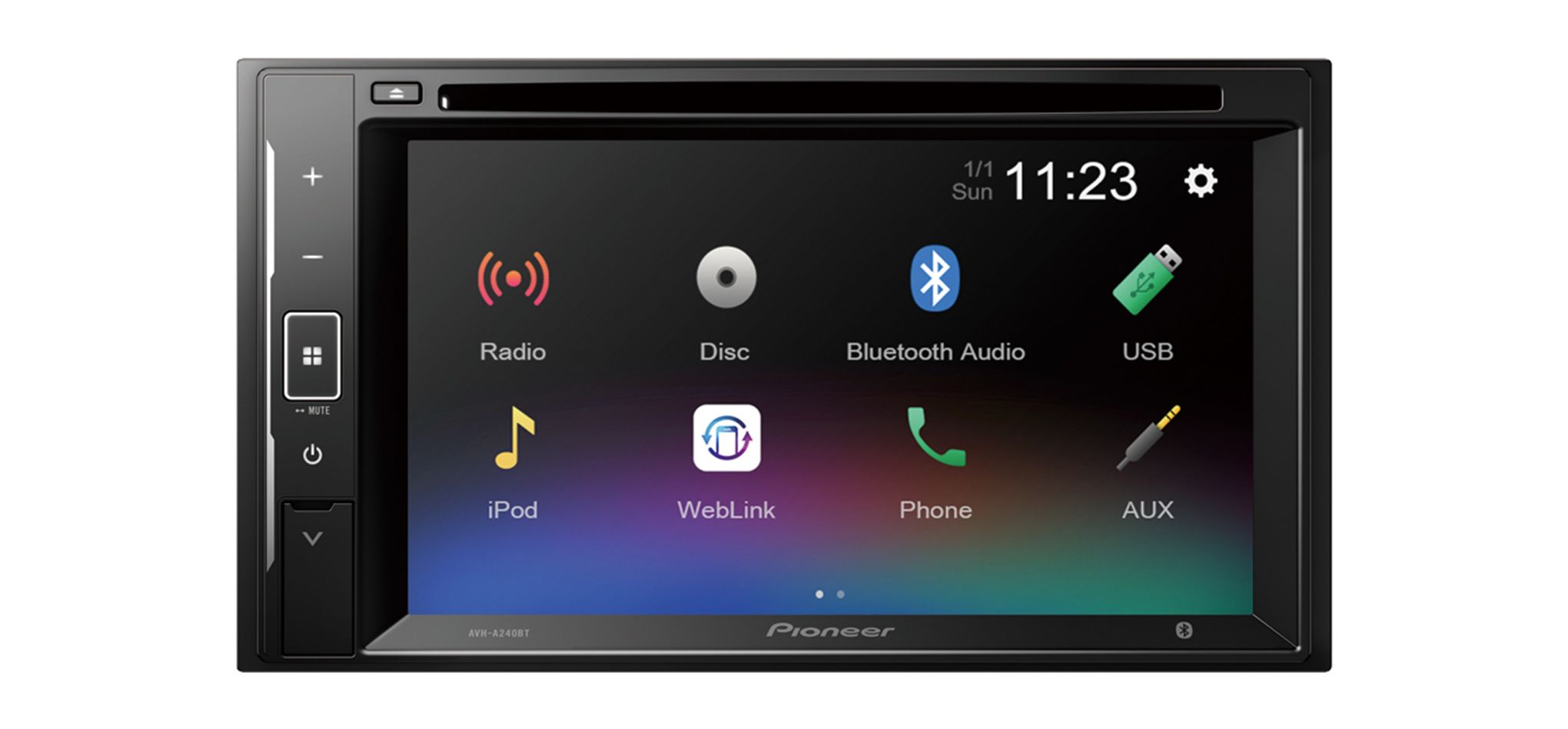
Pioneer AVH-A240BT is a 2-DIN car multimedia receiver designed for music, video content, and phone functions in the car. It plays audio and video content from USB devices and supports wireless Bluetooth connectivity.
Who this receiver is for
This model is suitable for drivers who want to manage several audio sources from a single dashboard unit, access supported functions on a compatible phone, listen to music wirelessly, and make hands-free calls.
Its combination of wired and wireless connections makes it possible to select the most appropriate option for each task. Bluetooth is convenient for routine listening and calls, while USB supports compatible phone integration and media playback from separate storage devices.
Connecting a phone via USB
A compatible iPhone or Android phone can be connected using a single USB cable. This connection allows supported screen mirroring and lets you control compatible functions from the dashboard.
The phone connection requires a suitable USB cable chosen for the connector on the phone. This feature is intended only for compatible phones, so it will not be supported by every device or software version. Compatibility should therefore be considered before relying on screen mirroring or dashboard control.
The USB connection can also play audio and video content stored on USB devices. This is a practical choice when media files are kept on a separate storage device rather than on a phone.
Wireless connectivity for calls and music
Bluetooth allows music to be streamed wirelessly from a connected device. It also supports hands-free calling, so there is no need to hold the phone during a conversation.
Bluetooth is the convenient choice for everyday music listening and phone calls. A USB connection is required when you want to use supported phone screen mirroring and control. The two connection methods therefore serve different purposes rather than providing exactly the same functions.
Sound adjustment
The 13-band graphic equaliser lets you adjust different areas of the audio frequency range. This makes it possible to tailor the sound to the car’s acoustics, the installed speakers, and the type of music being played.
When setting up the system for the first time, it is best to begin with the equaliser bands in neutral positions. You can then adjust individual bands in small steps and assess the result from your normal driving position. This gives a more useful impression of how the system will sound during everyday use.
If vocals become unclear or the higher frequencies start to sound tiring, move the adjusted band closer to its original position. Working gradually helps prevent one part of the frequency range from becoming excessively prominent and makes it easier to identify which adjustment produced the change.
Installation and dashboard space
The receiver is installed in a 2-DIN dashboard opening. The screen should remain easy to see, while the controls should be within comfortable reach from the driver’s seat.
A 2-DIN format does not guarantee a direct fit in every vehicle. Before installation, it is important to check the dashboard opening, the required mounting frame, and the vehicle’s wiring connections. These parts depend on the specific vehicle, not solely on the receiver’s installation format.
Checking these details in advance helps establish whether vehicle-specific installation components are needed. The physical opening and electrical connections must both be suitable for the receiver.
Technical specifications
| Model | Pioneer AVH-A240BT |
|---|---|
| Device type | Car multimedia receiver |
| Installation format | 2-DIN |
| Phone connection | Compatible iPhone or Android phone connected with a single USB cable |
| Phone functions | Supported screen mirroring and control from the dashboard |
| USB media | Audio and video playback from USB devices |
| Wireless connectivity | Bluetooth |
| Bluetooth functions | Wireless music streaming and hands-free calling |
| Sound adjustment | 13-band graphic equaliser |
FAQ
Can this receiver be installed in any car?
It requires a 2-DIN-sized opening. The mounting frame and wiring connections must also be suitable for the specific vehicle.
When should I use USB, and when should I use Bluetooth?
Bluetooth is suitable for wireless music streaming and phone calls. Use USB for supported phone control, screen mirroring, or playing content from a USB storage device.
Does screen mirroring work with every phone?
No. The feature is intended for compatible iPhone and Android phones, and support depends on the specific device and its software.
How should I begin adjusting the 13-band equaliser?
Start with neutral settings and listen from the driver’s position. Adjust only a few neighbouring frequency bands at a time.