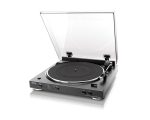
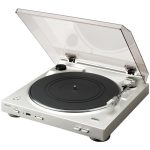
Denon DP-200USB Turntable
Original price was: 329,00 €.249,00 €Current price is: 249,00 €.
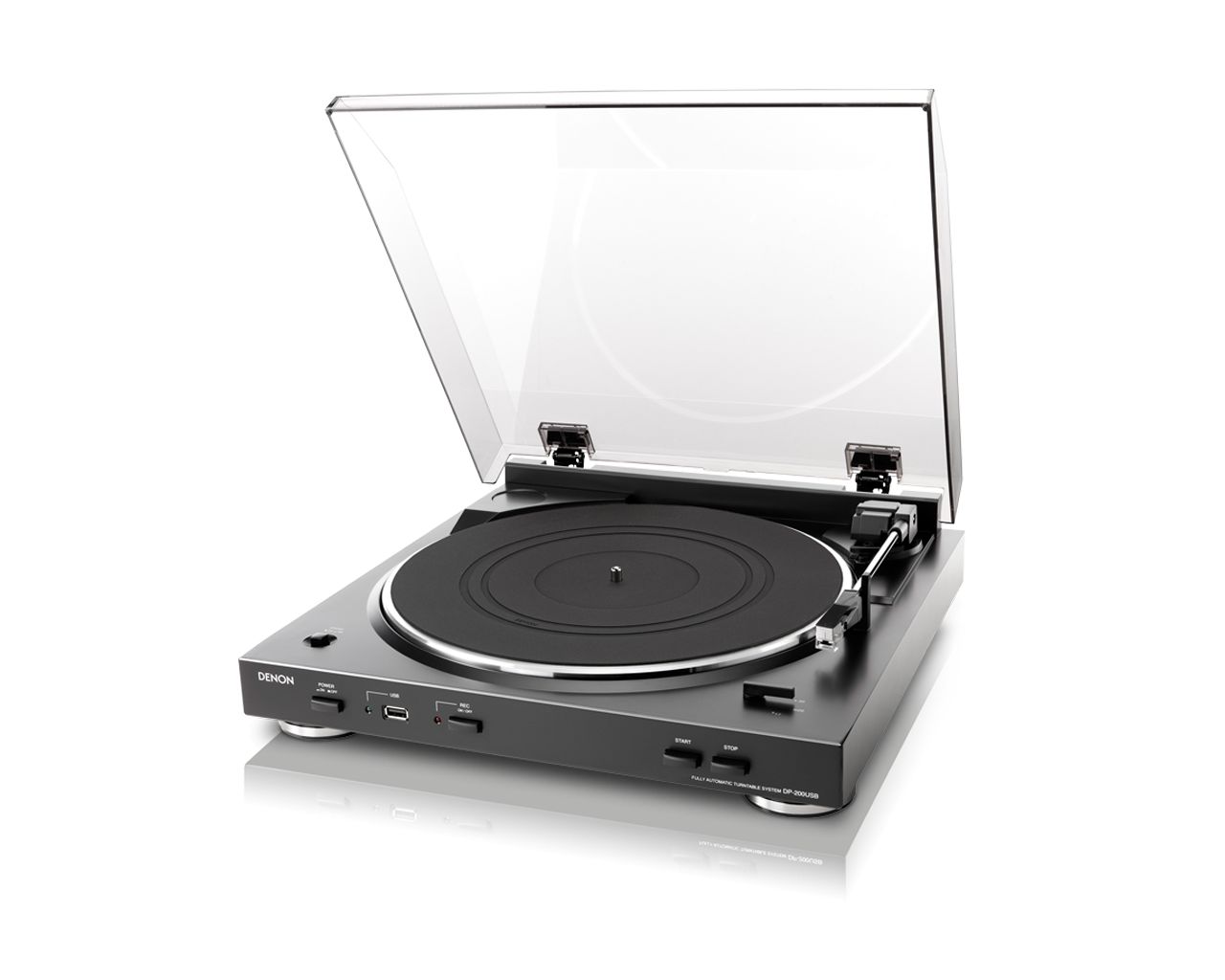
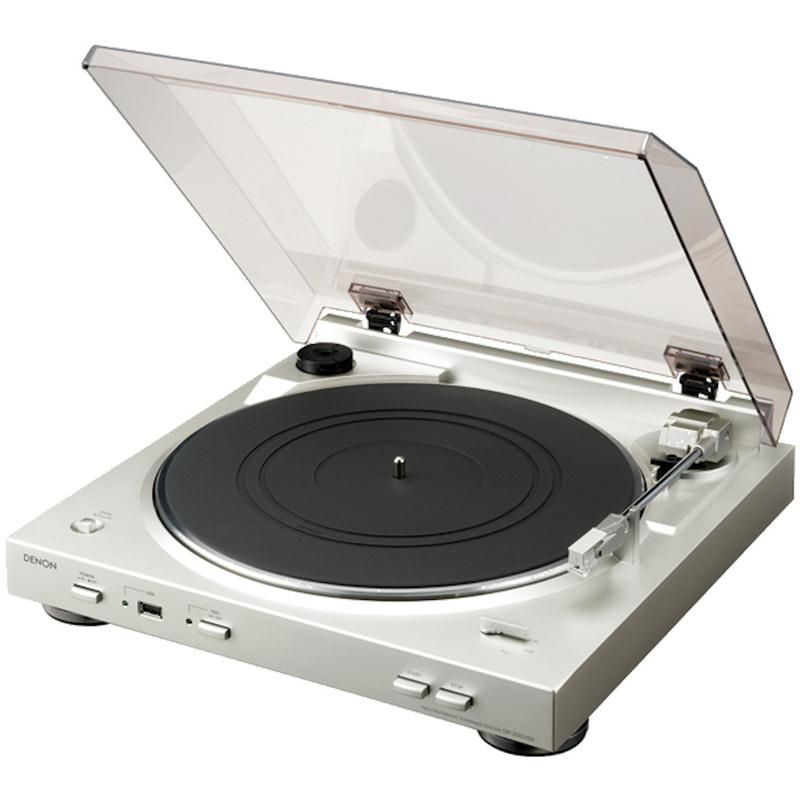
Denon DP-200USB is a fully automatic turntable designed for convenient vinyl listening and record digitization. Its built-in phono equalizer removes the need for a separate phono preamplifier. Music can be saved to USB storage as 192 kbps MP3 files. The belt drive, DC Servo motor, and 33⅓ and 45 rpm speeds accommodate different records.
Denon DP-200USB turntable is designed for listening to vinyl and saving records in a digital format. It is a fully automatic turntable with two playback speeds, a built-in phono equalizer and recording to USB storage. This combination of features is suitable for listeners who want straightforward operation and a practical way to digitize their record collections.
Who is this turntable for?
This model is worth considering when convenient everyday vinyl playback is a priority. Its automatic mechanism reduces the number of actions that must be performed by hand. This is particularly useful if you change records frequently or simply prefer not to operate the tonearm manually every time you listen.
The USB function is useful when you want to save music from your records to a USB storage device and transfer the resulting files to your personal digital library.
Automatic operation and speed selection
Fully automatic operation makes starting a record easier and simplifies everyday use. The listener only needs to select the rotational speed required by the particular record. The turntable supports both 33⅓ and 45 rpm records.
Always choose the speed indicated on the record label. An incorrect setting will change both the tempo and pitch of the music. Having two speed options allows the turntable to play vinyl releases produced according to different standards.
Drive system, motor and tonearm
The model uses a belt-drive system, with the mechanism powered by a DC Servo motor.
It has a straight tonearm and an MM phono cartridge, also known as a moving-magnet cartridge. The automatic mechanism makes operating these components easier during normal listening, reducing the need to handle the tonearm manually each time a record is played.
Connecting the turntable to an audio system
The built-in phono equalizer removes the need for a separate external phono preamplifier. This is especially relevant when using audio equipment without a dedicated phono input. In that situation, the turntable processes the signal internally before it is passed to the connected audio system.
Specific compatibility with an AV receiver or a multi-zone system cannot be determined from the supplied information alone because the available audio outputs are not specified. Before connecting the turntable, check the connections on your chosen audio equipment and consult its manufacturer’s requirements. This will help you determine how the turntable should be incorporated into the system without making assumptions based only on the presence of the built-in phono equalizer.
Recording vinyl to USB storage
USB recording provides a practical way to transfer music from vinyl into a digital library. Recordings are created in MP3 format at a bit rate of 192 kbps. These files take up less storage space than uncompressed audio recordings, making them convenient to store and transfer between compatible devices.
This function can be useful for archiving frequently played albums or rare records. The original record can remain safely on the shelf while the created file is used for everyday listening. The final recording will also depend on the physical condition of the record itself, so wear, contamination or other imperfections present during playback may affect the captured result.
A USB storage device is only required when you want to create an MP3 copy. It is not necessary for ordinary vinyl playback through a connected audio system, and the stated USB function should not be treated as an audio connection to that system.
Placement and preparation
The 360 × 358 mm footprint requires a flat, stable surface. The height of 98 mm should be taken into account when planning space on an equipment shelf. The turntable weighs 3.2 kg, so the supporting furniture must be able to hold this weight without wobbling or flexing.
Do not place the turntable on a vibrating loudspeaker or an unstable shelf. Mechanical vibration can affect the reproduced signal. A firm support is particularly important when listening at higher volume levels, when vibrations from nearby speakers may become more noticeable.
Before listening for the first time, select the correct speed for the record and connect the turntable to the audio system. Insert USB storage when you want to make an MP3 copy. No USB storage device is needed when the turntable is being used solely for conventional vinyl playback.
Technical specifications
| Model | Denon DP-200USB |
|---|---|
| Device type | Turntable |
| Operation | Fully automatic |
| Drive type | Belt drive |
| Motor type | DC Servo |
| Rotational speeds | 33⅓ and 45 rpm |
| Tonearm | Straight |
| Phono cartridge type | MM |
| Phono equalizer | Built in |
| Recording | To USB storage |
| Recording file format | MP3 |
| MP3 bit rate | 192 kbps |
| Dimensions | 360 × 98 × 358 mm |
| Weight | 3.2 kg |
FAQ
Who is this turntable best suited to?
It is suitable for listeners who want automatic vinyl playback and the ability to save music in MP3 format. The integrated phono equalizer also makes it simpler to put together a suitable audio system because a separate phono preamplifier is not required.
Is a separate phono preamplifier required?
No. The phono equalizer is already built in. This allows the turntable to be used with audio equipment that does not have a dedicated phono input, subject to checking the available connections and the equipment manufacturer’s requirements.
How do I choose the correct rotational speed?
Check the label on the record and select either the 33⅓ or 45 rpm setting. The chosen speed must match the marking for that particular release so that the music is reproduced at the correct tempo and pitch.
Is USB storage required when listening to vinyl?
No. USB storage is only needed when creating an MP3 recording. It is not required when listening to a record through the connected audio system.
How can I check compatibility with my audio system?
The supplied information does not specify the audio outputs, so check the connections on the chosen audio equipment and review its manufacturer’s requirements before connecting the turntable.
Does the turntable reproduce sound on its own?
No. Sound reproduction requires a connected audio system with an amplifier and loudspeakers. The turntable functions as the source for the vinyl music.
Where is the best place to position the turntable?
Place it on a flat, firm surface that is isolated from loudspeaker vibration. This helps reduce the effect of unwanted mechanical vibrations on the reproduced signal.
Is the USB connection intended to send audio to an audio system?
No. According to the supplied information, the USB function is intended for saving recordings to USB storage, not for sending audio to an audio system.