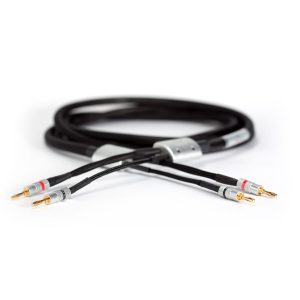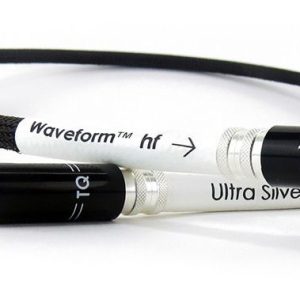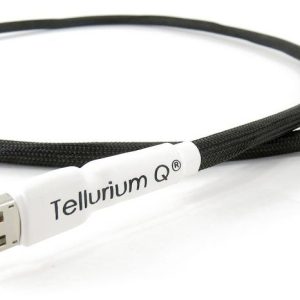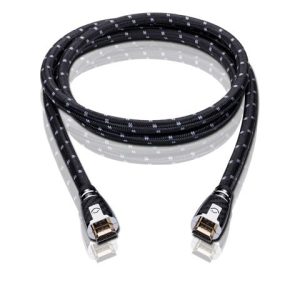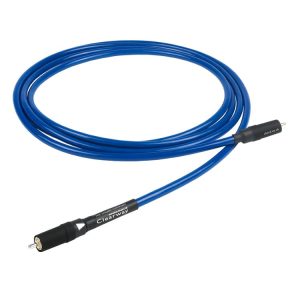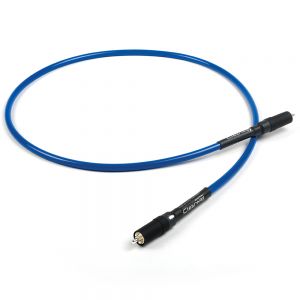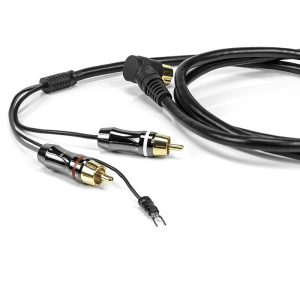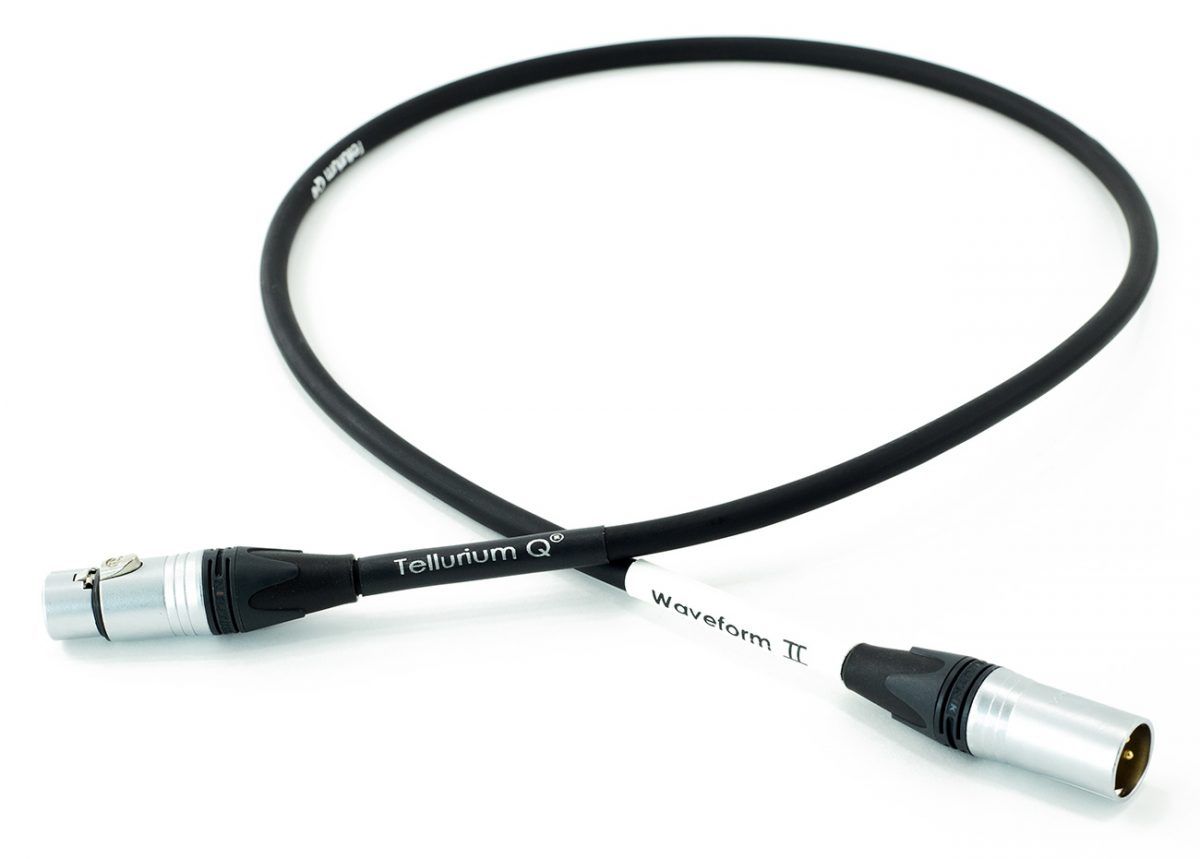
Tellurium Q BK-DXLR Digital XLR Cable
453,00 €
Tellurium Q BK-DXLR is a digital XLR cable for audio equipment with the corresponding digital output and input. Choose it according to the stated purpose of both XLR sockets, as connections with the same physical shape may also be used for analogue signals. The cable creates one direct digital connection between two system components.
Tellurium Q BK-DXLR is a digital XLR cable designed for audio equipment with the corresponding digital output and input.
What is this cable for?
This model connects the digital XLR output of an audio source to the digital XLR input of another device. This type of connection can be used between audio system components equipped with the appropriate sockets. The deciding factor is the stated function of the connection on each device.
An XLR-shaped socket does not necessarily indicate a digital connection. Audio equipment also commonly uses balanced analogue XLR connections. For this reason, do not judge compatibility by the shape of the socket alone. Check the labels printed next to the sockets and, where necessary, refer to the equipment documentation. Choose the BK-DXLR for a digital signal path, not for an analogue connection.
Connection and setup
Before connecting the cable, switch off both devices or turn down the system volume. Connect one end to the source device’s digital output and the other end to the receiving device’s digital input. Insert each connector straight into its socket and make sure it is fully seated. Do not use force if the plug does not align correctly with the socket. Stop and check that you are using the intended connection.
After switching the system on, select the relevant digital input on the receiving device. The corresponding digital output must also be active on the source equipment. These settings are made on the connected devices themselves, as the cable has no user-adjustable controls.
If no signal is received, first check the direction of the connection: it should run from the source output to the receiving component’s input. Then confirm that the correct input has been selected and that the required output is enabled. The socket labels remain important during troubleshooting because an analogue XLR connection may look similar while serving a different purpose.
Routing the cable in your system
Measure the intended route between the components before choosing the cable. Allow a small amount of extra length so that the connectors can be inserted comfortably and the equipment can be positioned without pulling on the cable. The cable should not be left under tension. Avoid sharp bends, especially close to the connectors, as these can place unnecessary strain on the sockets and make it harder to rearrange the equipment later.
Route the cable where it will not be trapped or compressed by furniture. It should also be supported so that the weight of other components or cables does not pull on it. If there is a longer unused section, arrange it in a broad, loose loop rather than bending it tightly. This keeps the installation tidy behind the audio equipment while avoiding unnecessary stress at either end.
When moving a connected component, make sure there is enough free cable before repositioning it. Do not rely on the cable to stop or support the equipment. Taking a moment to check the route helps keep both connectors seated correctly and leaves the system easier to access when changes are required.
Matching the cable to your audio system
Compatibility is determined by the connections on the individual devices, not by whether the equipment forms part of a stereo or home cinema system. The source must provide a digital XLR output, while the receiving component must provide the corresponding digital XLR input. If either required connection is absent, this cable is not suitable for that particular link.
One cable is intended to create one direct connection between two devices. If the system contains several separate digital connections, each one requires its own cable. A single connection should not be divided passively between multiple devices. Plan each signal path separately and count the number of independent source-to-input links before ordering.
Because digital and analogue XLR sockets can share a similar physical appearance, it is worth checking every component rather than assuming that all XLR connections in the same system serve the same purpose. Clear socket labelling provides the most useful initial guide when deciding where the BK-DXLR belongs.
Technical specifications
| Manufacturer | Tellurium Q |
|---|---|
| Model | BK-DXLR |
| Product type | Digital XLR cable |
| Application | Digital audio connection between devices equipped with the corresponding XLR connections |
FAQ
Is this cable suitable for analogue XLR connections?
It is intended for a digital XLR connection. An analogue XLR socket may look similar, but it serves a different purpose. Before choosing the cable, read the labels beside the sockets on both devices. Select this model only when both ends of the planned connection are identified for the required digital link.
What should I check before buying?
One device must have a digital XLR output, while the other must have the corresponding digital input. Check the purpose stated beside both sockets rather than relying only on their shape. You should also measure the cable route between the components and allow a small amount of slack for comfortable connection and equipment placement.
How should the cable be connected?
Make sure the signal path runs from the source device’s output to the receiving device’s input. Insert the connectors straight and fully, without forcing them. After powering the system, select the exact digital input used for the connection in the receiving device’s menu and ensure that the appropriate output is active on the source.
Can the cable be used in both stereo and home cinema systems?
Choose it according to the connections on the specific components. If the equipment does not provide the required digital XLR output and input, this cable will not be suitable, regardless of whether the wider system is configured for stereo listening or home cinema use.
Can one cable connect several devices?
One cable provides one direct connection between two components. If you are planning more than one independent connection, include a separate cable for every connection in your shopping list. A single link should not be passively divided between several devices.
How should I route the cable behind the equipment?
Do not leave it under tension or bend it sharply near the connectors. Make sure furniture does not trap or compress the cable and that it does not pull on the equipment sockets. Any unused length should be arranged as a broad, loose loop so the installation remains tidy and easy to access.
Related products and categories
Related products