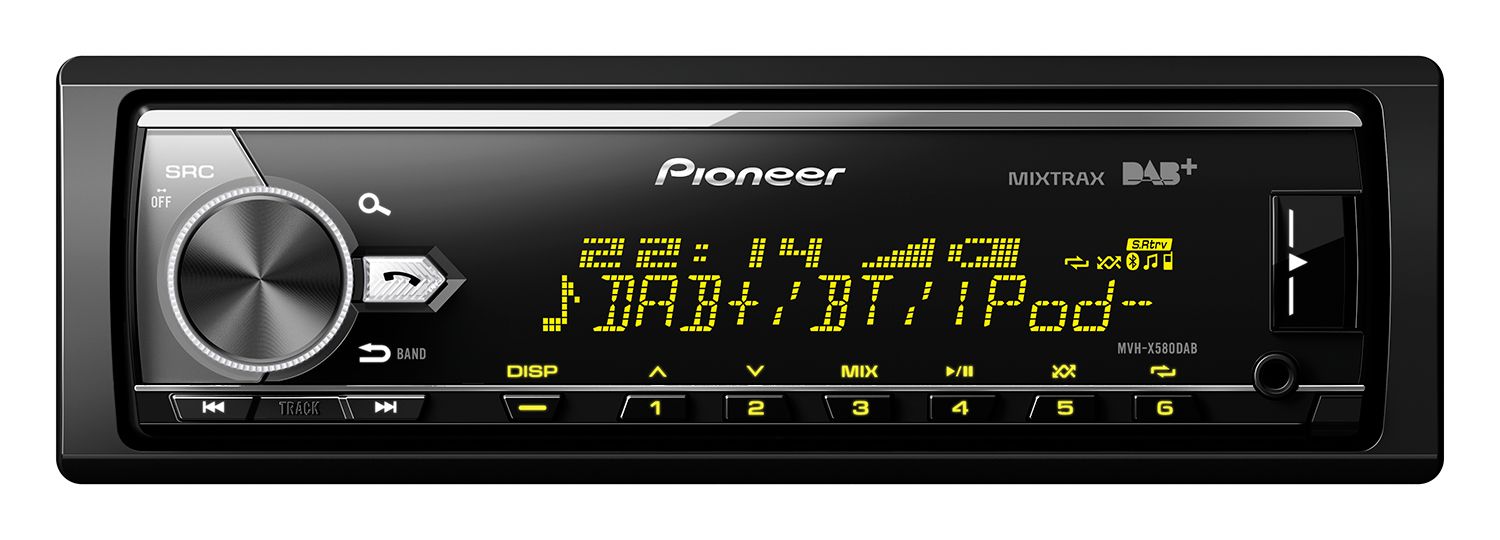
Pioneer MVH-X580DAB Car Stereo
186,00 €
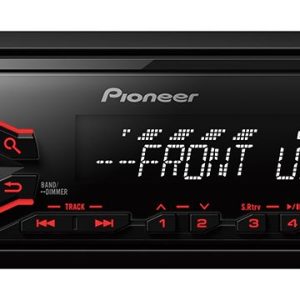
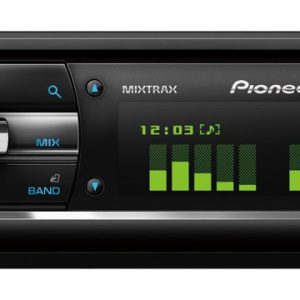
Pioneer MVH-X580DAB car stereo is a 1 DIN digital media receiver for DAB/DAB+, FM/MW, Bluetooth, USB and AUX sources. It has no CD mechanism and is therefore designed around digital music and radio. Three RCA preamplifier outputs simplify the connection of amplifiers and a subwoofer. A 13-band graphic equalizer, filters and manual time alignment allow the sound to be tailored to the installed system.
Pioneer MVH-X580DAB car stereo is a 1 DIN digital media receiver for in-car use. It is designed for DAB/DAB+ and FM/MW radio, as well as music playback through Bluetooth, USB and AUX. There is no CD mechanism, so compact discs cannot be played.
Source Selection and Connectivity
Bluetooth connectivity supports wireless music streaming and hands-free calling. According to the seller’s description, the package includes an external microphone. The receiver also supports two continuously connected phones, automatic phonebook transfer and wideband speech.
The receiver has one USB input. According to the seller, the front AUX input can be used with other music devices.
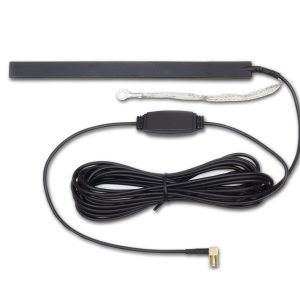
DAB/DAB+ reception requires a suitable antenna. The seller specifies the separately available CA-AN-DAB.001 antenna. Listed digital-radio functions include time shift, automatic tuning and alphabetical station search. The FM tuner supports RDS, while the seller also lists traffic announcements, PTY search, best-stations memory and automatic alternative-frequency search.
Phone and App Functions
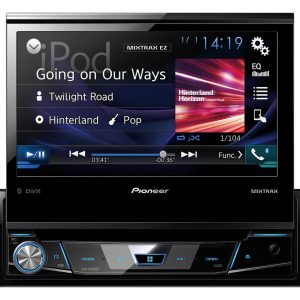
The receiver is compatible with Apple iOS and Android, although specific supported operating-system versions are not stated. The seller’s description lists Made for iPod, direct iPod or iPhone control, iPhone app mode and Android AOA 2.0.
The seller also lists the ARC remote-control app and an integrated Spotify function. These original connectivity claims do not guarantee operation with current versions of apps, services or operating systems. The manufacturer’s page lists firmware version 8.38, released on 16 August 2018.
Audio System Adjustment
The built-in MOSFET amplifier has a specified maximum output of 4 × 50 W. This is a maximum-power figure, not a continuous-power rating. A 13-band graphic equalizer allows the sound spectrum to be adjusted to suit the installed system and personal listening preferences.
Manual time alignment, high-pass and low-pass filters, and a three-way speaker network mode provide additional system-tuning flexibility. The receiver also includes Advanced Sound Retriever and direct subwoofer control from the head unit.
Three RCA preamplifier outputs are assigned to the front, rear and subwoofer channels. This arrangement makes it possible to connect external amplifiers and a subwoofer using dedicated signal outputs.
Controls and Installation
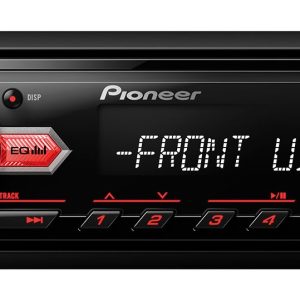
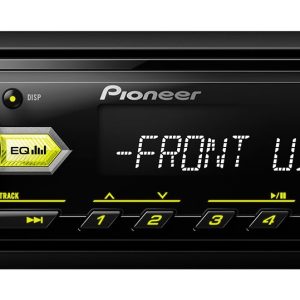
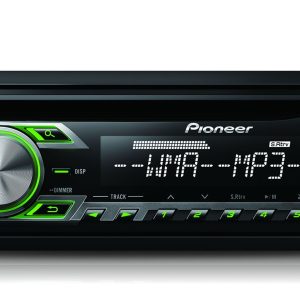
According to the seller’s description, the unit has a wide-viewing-angle VA LCD with a 1.5-line dot-matrix display, Cyrillic character support and ten-step brightness adjustment. The listed zoned RGB button illumination offers 210,000 colours, lighting effects, an illumination line and a timer.
The seller also lists a music browser. A hard-wired remote-control input is provided for compatible external control equipment, but the inclusion of a separate remote-control handset has not been confirmed.
The removable front panel can be taken with you when leaving the vehicle. The seller describes it as fully detachable and states that a protective case is included. Installation may require a vehicle-specific fascia, wiring connectors or an antenna adapter.
Technical Specifications
| Type | 1 DIN in-car digital media receiver without a CD mechanism |
|---|---|
| Radio tuner | DAB/DAB+, RDS FM and MW |
| DAB functions | According to the seller: time shift, automatic tuning and alphabetical search |
| FM functions | RDS; according to the seller: PTY search, best-stations memory, traffic announcements and automatic alternative-frequency search |
| USB | One input |
| AUX | According to the seller, a front input for other music devices |
| Bluetooth | Audio streaming and hands-free calling |
| Phone functions | According to the seller: two continuously connected phones, automatic phonebook transfer and wideband speech |
| Apple support | Compatible with Apple iOS; according to the seller: iPod and iPhone support, direct control and iPhone app mode |
| Android support | Compatible with Android; according to the seller: AOA 2.0 |
| App functions | According to the seller: ARC remote control and integrated Spotify function |
| Music control | According to the seller: music browser |
| Amplifier | MOSFET, maximum output power of 4 × 50 W |
| Graphic equalizer | 13-band |
| Audio processing | Advanced Sound Retriever |
| System tuning | Manual time alignment, high-pass filter and low-pass filter |
| Speaker mode | Three-way speaker system |
| Subwoofer control | Controlled from the head unit |
| RCA outputs | Three: front, rear and subwoofer |
| Display | According to the seller: wide-viewing-angle VA LCD, 1.5-line dot matrix and Cyrillic characters |
| Illumination | According to the seller: zoned RGB, 210,000 colours, effects, illumination line and timer |
| Brightness control | According to the seller: 10 steps |
| Front panel | Removable; described by the seller as fully detachable |
| Remote control | Hard-wired remote-control input |
| Digital-radio approval | According to the seller: Digital Radio Tick Mark |
| Firmware | Version 8.38, 16 August 2018 |
| Package contents | According to the seller: Bluetooth microphone and protective case for the removable front panel |
FAQ
Can this receiver play CDs?
No. This model does not have a disc drive. Music can be played from the radio, a phone, a USB storage device or through the AUX input.
When should I use USB, Bluetooth or AUX?
USB is suitable for a wired source, Bluetooth provides wireless music and calling, and AUX can be used with a player that has an analogue audio output.
How do I connect an external amplifier and subwoofer?
Use the RCA outputs assigned to the front, rear and subwoofer channels. Set the filters to suit the connected audio system.
Where should I begin when tuning the sound?
Start by setting the filters, then adjust the time alignment and finish with the graphic equalizer.
What might be required for installation in a car?
A standard 1 DIN installation space is required, but a separate fascia, wiring connectors or antenna adapters may also be needed.
Will it work with a modern iPhone or Android phone?
Specific supported operating-system versions are not stated. App functions depend on the phone’s current software and the availability and compatibility of the relevant services.
Related products