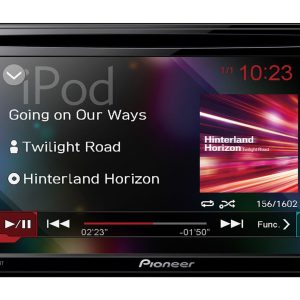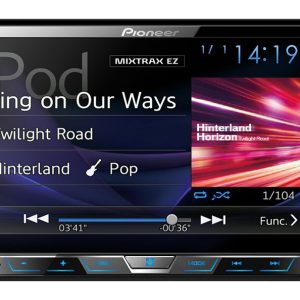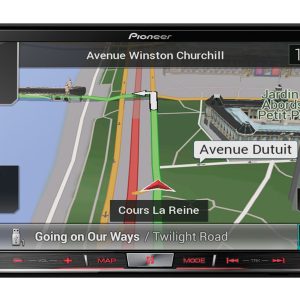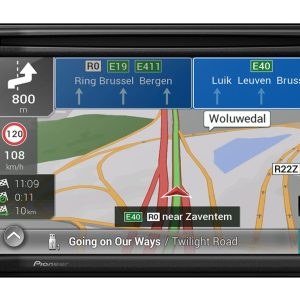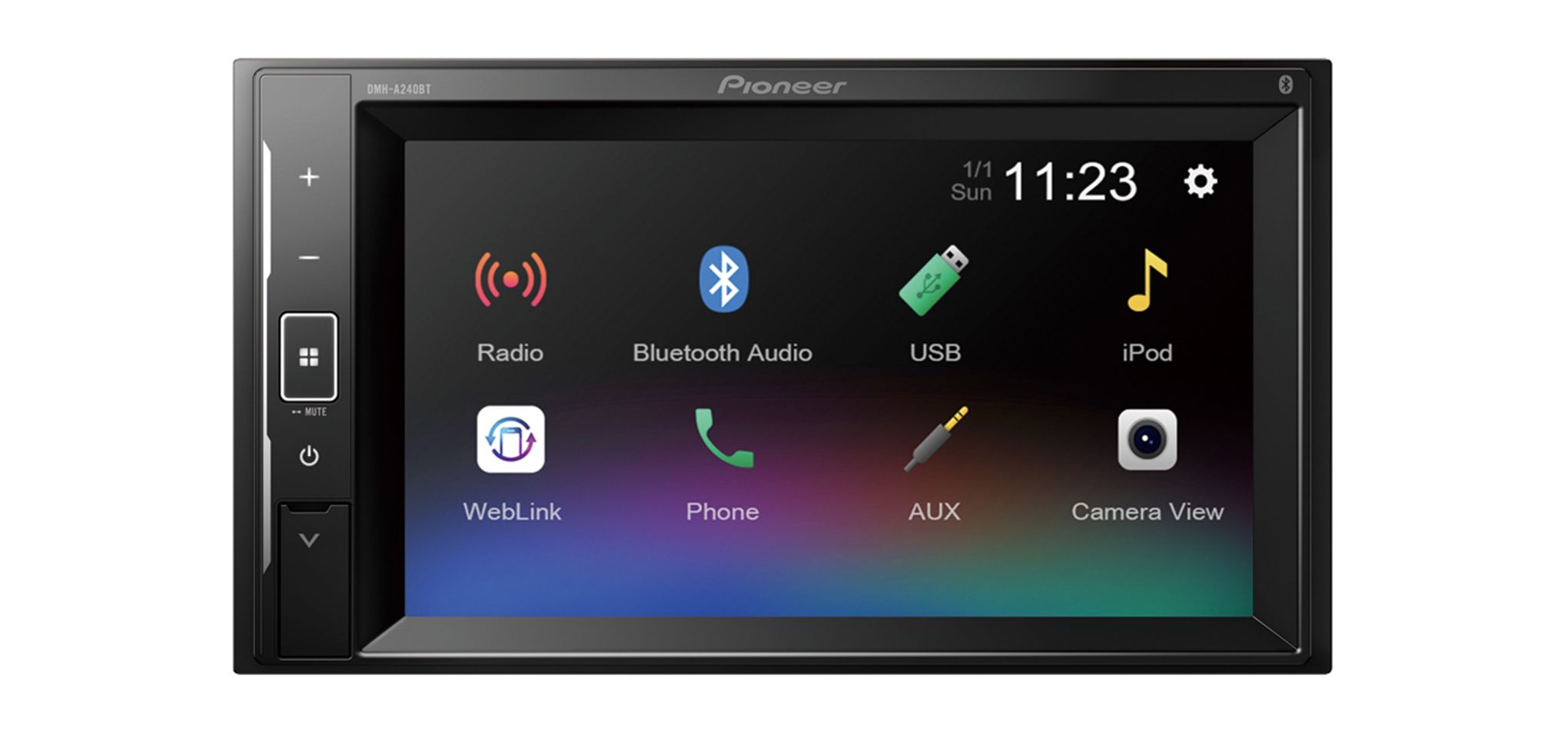
Pioneer DMH-A240BT Car Multimedia Receiver
219,00 €
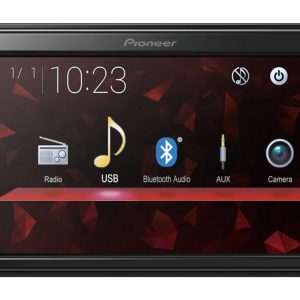
Pioneer DMH-A240BT is a short-chassis 2-DIN car multimedia receiver for drivers who use a phone and USB sources. A compatible iPhone or Android phone can be connected with one USB cable for phone screen mirroring and control from the dashboard. Bluetooth supports wireless music streaming and hands-free calls, while a 13-band graphic equalizer lets you tailor the sound.
Pioneer DMH-A240BT car multimedia receiver is a short-chassis 2-DIN audio and video receiver. It is designed for music, video content, phone functions and hands-free calls in the car. Content can be played from USB devices, while Bluetooth provides wireless music streaming.
A compatible iPhone or Android phone can be connected with a single USB cable. This connection supports phone screen mirroring and control of available functions from the dashboard. Function availability depends on the phone, operating system, apps and selected USB cable.
Who this receiver is for
This model is suitable for a vehicle with a 2-DIN installation space. It is a practical choice when your main sources are a phone and USB devices.
The short chassis takes up less room behind the dashboard, leaving more space for cables and vehicle-specific adapters. Exact chassis dimensions are not provided, so the available installation space must be assessed for the individual vehicle.
USB connection and phone control
Choose the USB connection when you want to mirror the screen of a compatible phone and control supported functions. The phone connects to the receiver using one USB cable. Use a cable that is suitable for the connector on your phone.
Before purchasing, check the phone model, operating-system version and required apps. These factors determine which phone functions will be available through the dashboard. Simply having an iPhone or Android phone does not guarantee that every function will work.
The USB connection can also play audio and video content from USB devices. A list of specific supported file formats is not provided. Important files should therefore be prepared in formats that the receiver can recognize.
Wireless connectivity on the road
Bluetooth supports wireless music streaming and hands-free calling.
USB and Bluetooth serve different purposes. Use USB for phone screen mirroring, compatible phone controls or playback from a USB device. Use Bluetooth when you want to stream music wirelessly or make hands-free calls.
Adjusting the sound
The 13-band graphic equalizer lets you adjust separate areas of the sound-frequency range. This helps tailor the sound to the vehicle interior, installed speakers and music being played. It provides more precise control than adjusting only the overall bass or treble level.
When setting up the sound for the first time, begin with neutral equalizer positions. Play a recording you know well and adjust one band at a time. Small changes make it easier to hear how each adjustment affects the result.
If vocals sound subdued, make small adjustments in the midrange. Reduce an overly bright sound gradually. Raising several bands sharply at the same time can produce an unnatural overall balance.
Planning the installation
The vehicle must have a suitable 2-DIN installation space. Depending on the vehicle, a separate fascia, wiring adapter or control-integration solution may be required. These parts must be selected according to the vehicle make, model and existing audio system.
Before installation, plan where the USB cable will be routed so that it remains easy to reach. This is especially important if you expect to connect a phone or USB device regularly. The short chassis makes cable arrangement easier, but the cables must not be trapped or bent sharply.
Technical specifications
| Model | Pioneer DMH-A240BT |
|---|---|
| Device type | In-car audio and video multimedia receiver |
| Installation format | 2-DIN |
| Chassis | Short chassis |
| Phone connection | Single USB cable |
| Phones | Compatible iPhone and Android phones |
| Phone functions via USB | Screen mirroring and control from the dashboard |
| USB playback | Audio and video content from USB devices |
| Wireless connectivity | Bluetooth |
| Bluetooth functions | Wireless music streaming and hands-free calling |
| Sound adjustment | 13-band graphic equalizer |
FAQ
Who should choose this model?
It is intended for drivers who want a 2-DIN receiver with USB sources, compatible phone control, Bluetooth music streaming and hands-free calling.
When should I use USB and when should I use Bluetooth?
Use USB when you need to mirror a compatible phone screen or control supported phone functions. Use Bluetooth when wireless music and hands-free calls are sufficient.
Will every iPhone and Android phone work?
The receiver works with compatible phones. Available functions depend on the specific phone model, system version, apps and USB cable being used.
How should I begin adjusting the 13-band equalizer?
Start with a neutral setting. Listen to a familiar recording, change one band at a time and avoid sudden or excessive adjustments.
What might be required for installation?
A suitable 2-DIN space is required. Depending on the vehicle, you may also need a vehicle-specific fascia and wiring adapter.
Does the short chassis remove the 2-DIN installation requirement?
No. The shorter chassis makes cable arrangement easier, but the dashboard must still provide a suitable 2-DIN installation space.