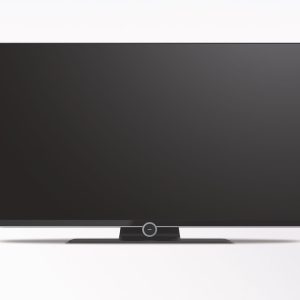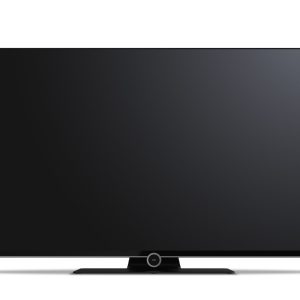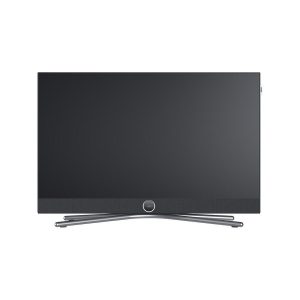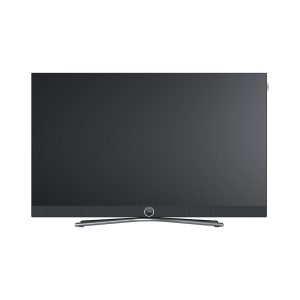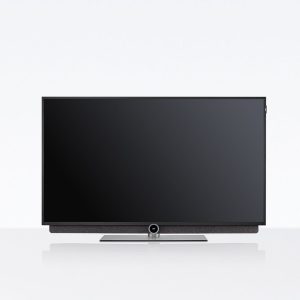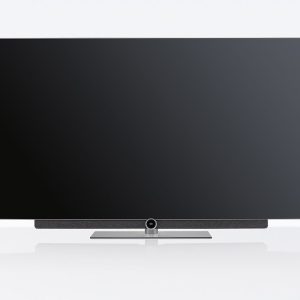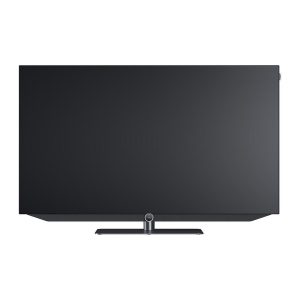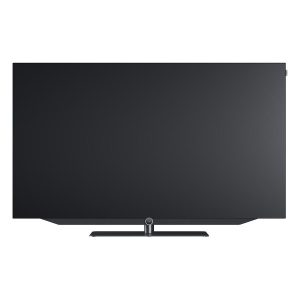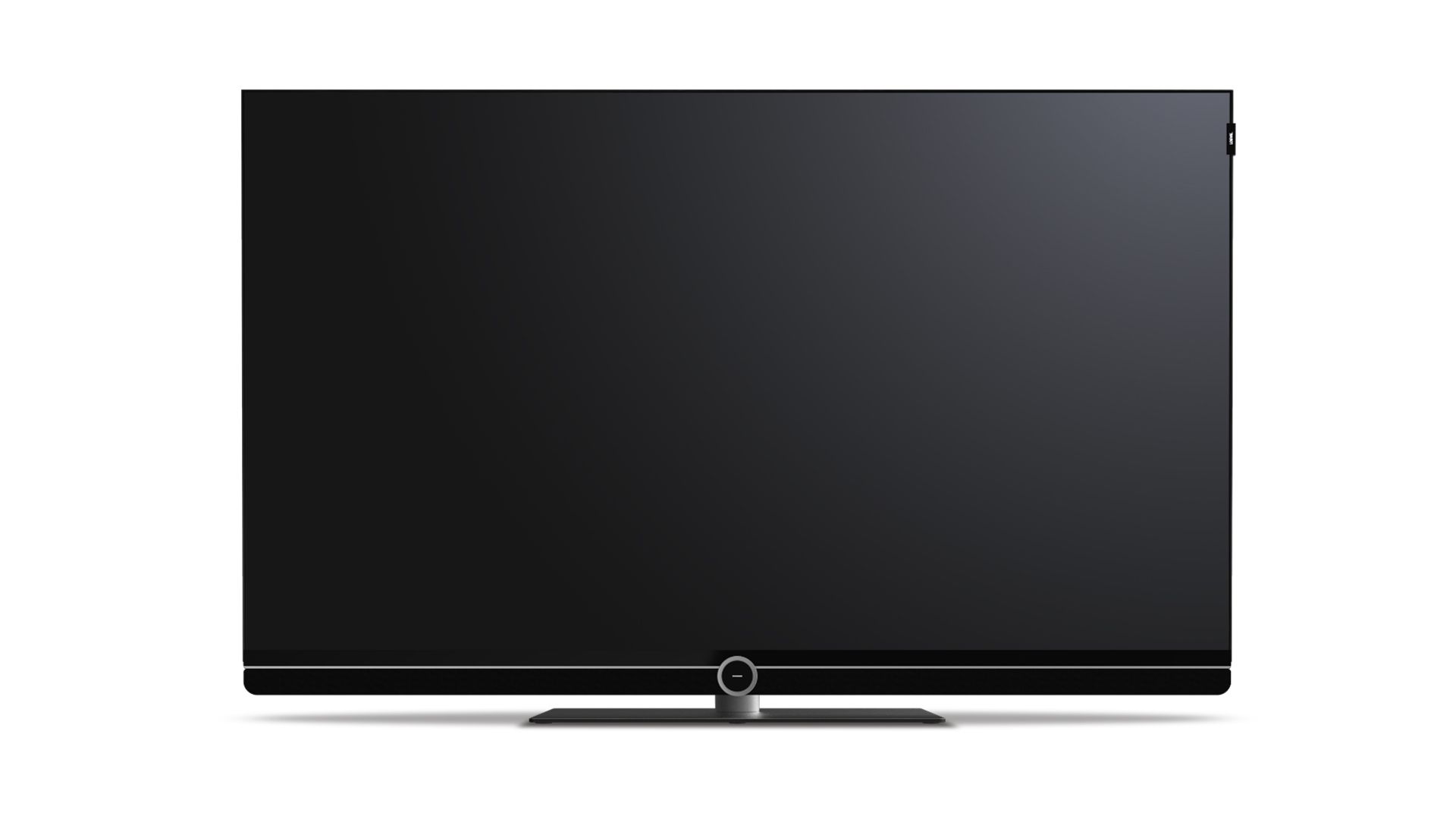
Loewe bild 2.49 TV
1 500,00 €
The Loewe bild 2.49 TV is designed for home viewing where 4K resolution and flexible installation are important. Its 126 cm screen displays a 3840 × 2160-pixel image, allowing a suitable source to deliver finer detail. The television can be mounted on a wall, placed on a swivel tabletop stand on a sideboard, or paired with a compatible floor stand.
The Loewe bild 2.49 TV is a 49-inch 4K model for homes where flexible installation matters. Its 126 cm screen and 3840 × 2160-pixel resolution are designed to show the detail available in 4K content. The TV can be mounted on a wall, placed on a swivel tabletop stand on a sideboard, or used with a compatible floor stand.
These installation options make it easier to adapt the TV’s position to the room layout. This is particularly useful when the screen cannot remain directly in front of the main seating position.
Screen size and resolution
The 49-inch screen diagonal offers a balance between visible picture size and the amount of space required for the TV. The diagonal is measured across the screen, so it does not indicate the width of the cabinet. When planning a wall installation, do not treat it as an external measurement of the television.
Ultra HD resolution contains four times as many pixels as a 1920 × 1080 image. This allows finer details to be retained in 4K material. The final result also depends on the selected source and the quality of the recording itself.
Lower-resolution content does not automatically become genuine 4K material. To make full use of the screen, the entire playback chain must be able to transmit a 3840 × 2160-pixel signal.
Installation and positioning in the room
Before completing the installation, consider the positions of windows and lights. Light falling directly onto the screen may cause reflections that 4K resolution cannot remove. Adjust the screen direction and height to suit the main seating area.
Wall mounting frees the surface of a sideboard or other piece of furniture. The centre of the screen should sit at a comfortable viewing level from the primary seating position. The mounting solution must match the TV’s attachment points and be suitable for the construction of the particular wall.
A compatible swivel tabletop solution lets you change the direction of the screen according to where you are sitting. Leave enough free space around the stand to prevent the cabinet from touching nearby objects when it is turned.
A compatible floor stand requires a stable surface and sufficient room for its base. If it is positioned in an open part of the room, keep walking routes clear and aim the screen towards the main seating area.
For a freestanding installation, plan the routes of the power and signal cables in advance. They should not cross a walkway or restrict where the stand can be positioned. Choose only a floor stand that is explicitly compatible with the bild 2.49 model.
The seller’s description does not state which stand or mounting accessories are included, so the package contents must be checked before purchase.
Video sources and audio systems
The 4K designation describes the screen resolution, but it does not define the complete set of connections. A cable or player should therefore not be selected solely on the basis of the display resolution. The connections on the source, TV, and any additional equipment must be mutually compatible.
To transmit a 4K signal, the source, any intermediate AV receiver, and the cable being used must all support that resolution. The weakest component in the chain may limit the resolution that reaches the television. This is especially important when the signal is routed through a home cinema receiver before reaching the TV.
When connecting a stereo amplifier, match the TV’s audio output to an input on the amplifier. The screen specification alone does not reveal which audio cable is required. Before buying a cable, compare the connection names on both devices and check the type of signal they carry.
Energy consumption
The TV has an energy-efficiency class of G in both SDR and HDR mode. Its stated on-mode power is 86.3 W. This rating and the energy figures per 1,000 hours represent different methods of expressing consumption.
In standard dynamic range (SDR) mode, the stated consumption is 86 kWh per 1,000 hours. The corresponding figure for high dynamic range (HDR) mode is 112 kWh. When comparing televisions, it is therefore important to use figures from the same measurement category.
Power consumption is stated as 0.27 W in standby and 0.00 W when switched off. Standby and off modes are not the same operating state. In standby, the TV remains ready to respond to a command to switch on.
Technical specifications
The following technical and energy figures are taken from the seller’s description; an independent source for this exact model was not obtained.
| Model | Loewe bild 2.49 |
|---|---|
| Product type | 4K Ultra HD TV |
| Screen diagonal | 126 cm / 49 inches |
| Resolution | 3840 × 2160 pixels |
| Energy-efficiency class | G in SDR mode / G in HDR mode |
| On-mode power | 86.3 W |
| Energy consumption in SDR mode | 86 kWh per 1,000 hours |
| Energy consumption in HDR mode | 112 kWh per 1,000 hours |
| Standby power consumption | 0.27 W |
| Off-mode power consumption | 0.00 W |
| Installation options | Wall mounting, swivel placement on a sideboard, or a compatible floor stand |
FAQ
Who is a 49-inch screen suitable for?
Consider the main viewing position and measure the space reserved for the television. The 126 cm diagonal is measured across the screen, so it should not be treated as the width of the cabinet.
Which installation method should I choose?
Wall mounting saves furniture surface space. A compatible swivel tabletop solution lets you adjust the direction of the screen, while a floor-standing solution means the TV does not have to be tied to a sideboard.
Can the TV be positioned freely in the room?
Yes. A compatible floor stand can be used for this purpose. You must allow enough room for its base and plan a safe route for the cables.
Will every video source provide 4K resolution?
No. The source, all intermediate equipment, and the cable must support a 3840 × 2160-pixel signal.
How do I connect a stereo amplifier or AV receiver?
First compare the TV’s output with the input on the amplifier or receiver. Choose the cable according to the matching connections and the type of signal being transmitted.
Can this model be used as the screen in a home cinema system?
Yes, provided that the selected source and AV receiver can transmit a suitable signal to the TV. Every device in a 4K signal chain must support the required resolution.
What is the difference between standby and off mode?
Standby consumption is stated as 0.27 W because the TV remains ready for a command to switch on. The figure for the switched-off television is 0.00 W.