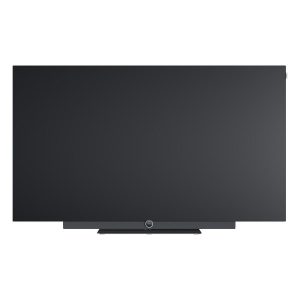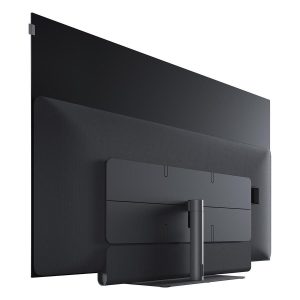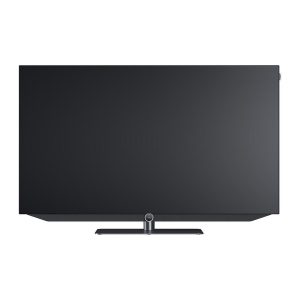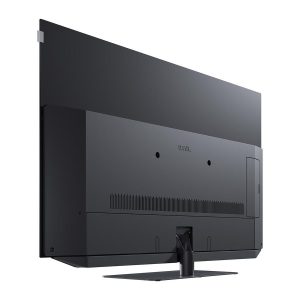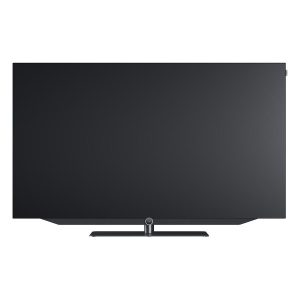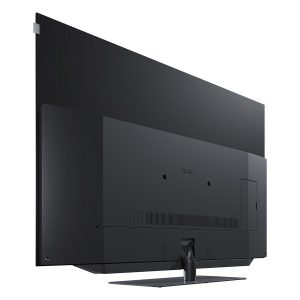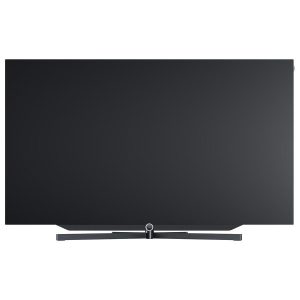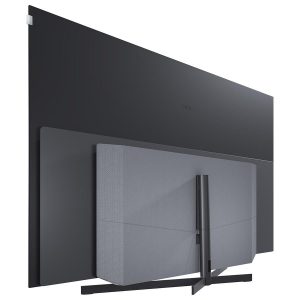


Loewe bild 1.43 TV
900,00 €
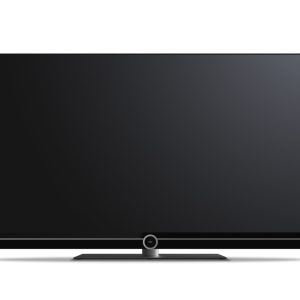
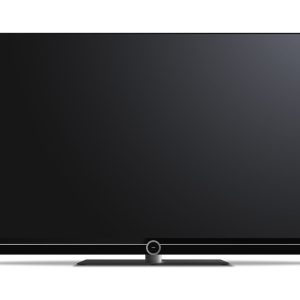
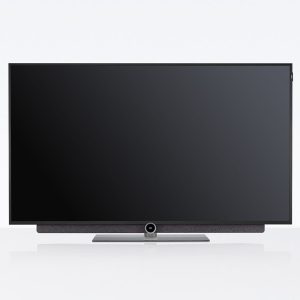
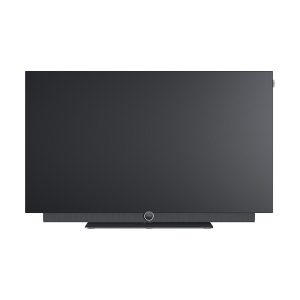
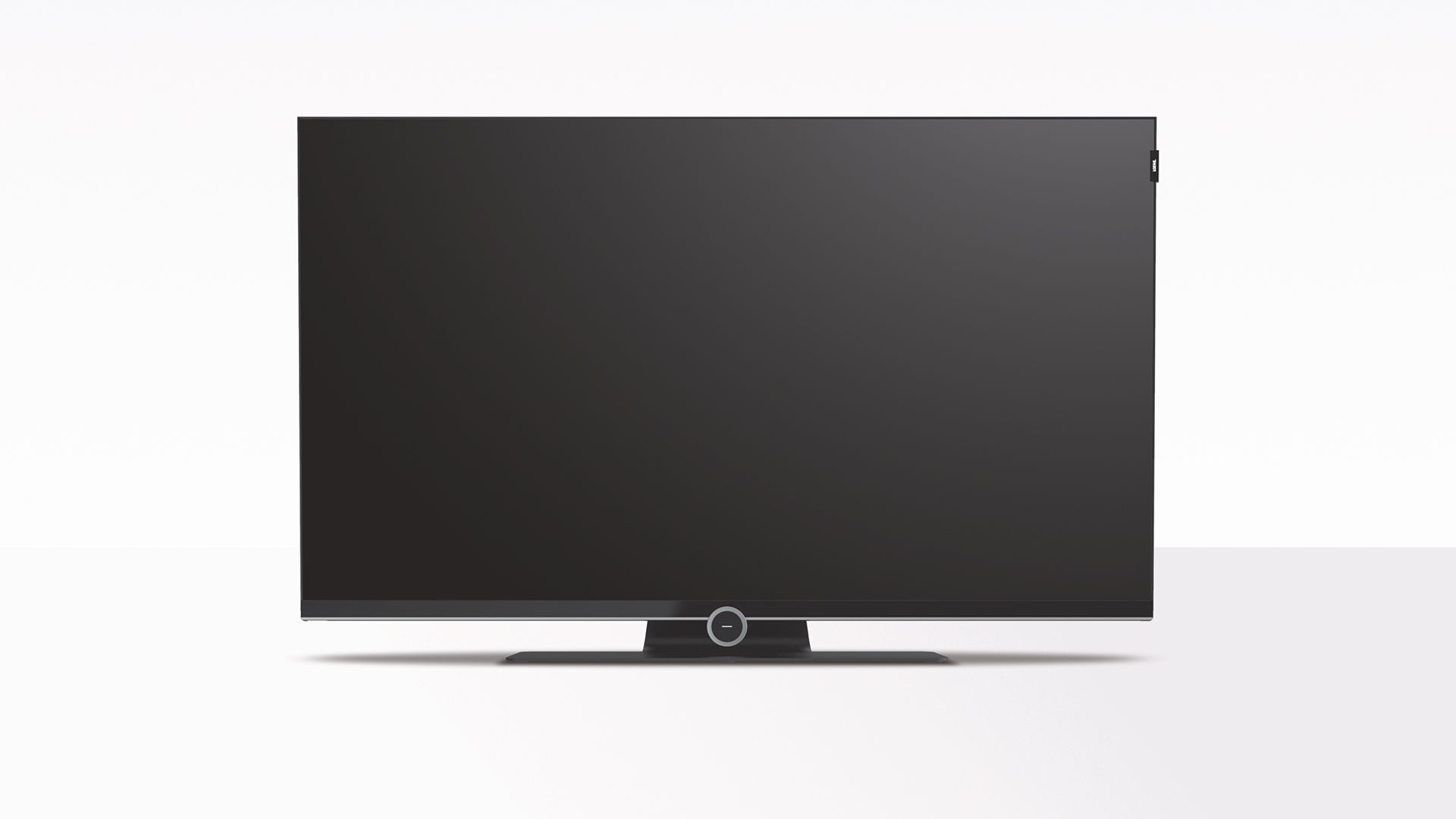
The Loewe bild 1.43 TV is designed for films, television programmes and other video content at home. Its 43-inch LCD screen features LED backlighting and an Ultra HD resolution of 3840 × 2160 pixels, making it suitable for high-resolution sources. According to the retailer, Loewe’s HDR picture processing is intended to deliver balanced colours, natural contrast, realistic sharpness and smooth transitions between shades.
The Loewe bild 1.43 TV is a 43-inch Ultra HD LCD model designed for watching films, television programmes and other video content at home. Its screen measures 108 cm diagonally and has a resolution of 3840 × 2160 pixels. These are the key criteria when assessing the screen size and the level of detail available from the displayed source.
Screen size and content resolution
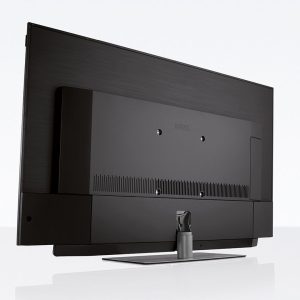
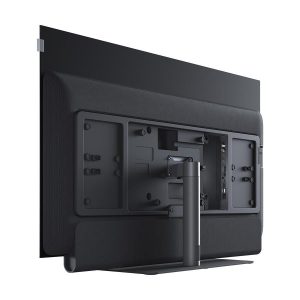
The 43-inch screen is suitable for a room where a larger television would take up too much space. The stated diagonal measurement runs across the screen and therefore does not represent the full width of the television cabinet. You should not choose a TV stand or installation recess using this figure alone.
Ultra HD resolution provides four times as many pixels as 1920 × 1080 resolution. The difference is most apparent when viewing content produced in the corresponding resolution. A lower-resolution source does not automatically acquire the same level of detail as a genuine Ultra HD recording.
The display uses LED backlighting to illuminate the LCD panel. The television’s software processing also helps determine the appearance of the picture. This distinction matters because resolution alone does not describe colour reproduction, contrast or the way motion is presented.
Picture processing
The television uses HDR picture processing and software developed by Loewe specialists. According to the retailer, this combination is intended to produce balanced colours, natural contrast, realistic sharpness and smooth transitions between shades.
The HDR result also depends on the content being shown. An HDR recording may offer a wider brightness range than a conventional SDR source. Films and programmes prepared in different ways may consequently look different, even when the same television settings are used.
Energy consumption
This model has an energy-efficiency class of G in both SDR and HDR modes. The rating makes it possible to compare televisions using the common European Union energy-labelling scale. It does not describe picture quality or screen resolution.
Energy consumption in SDR mode is rated at 66 kWh per 1,000 hours. For the same viewing period, HDR mode is rated at 86 kWh. This difference is worth considering if you frequently watch HDR films, series or other high-dynamic-range content.
The stated power consumption while the television is on is 66.3 W. Standby and off-mode figures are listed separately in the specification table. This makes it easier to distinguish consumption during active use from periods when the screen is not displaying a picture.
Positioning the television in the room
Place the television so that the centre of the screen is not significantly above your normal viewing line. If the screen is too high, you will need to keep raising your head. This can become particularly noticeable during longer films or television programmes.
Avoid positioning light sources directly opposite the screen. Reflections from windows and lamps can obscure detail in darker scenes. It is worth assessing the proposed position during both the day and the evening, as room lighting affects perceived contrast.
Choose the viewing distance according to your visual comfort and the content you watch most often. Sitting closer makes Ultra HD detail easier to see. However, compression artefacts in lower-resolution recordings will also become more apparent at a shorter distance.
Sources and sound system
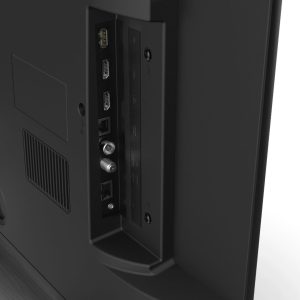
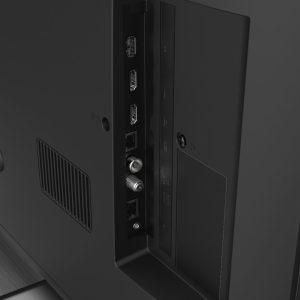
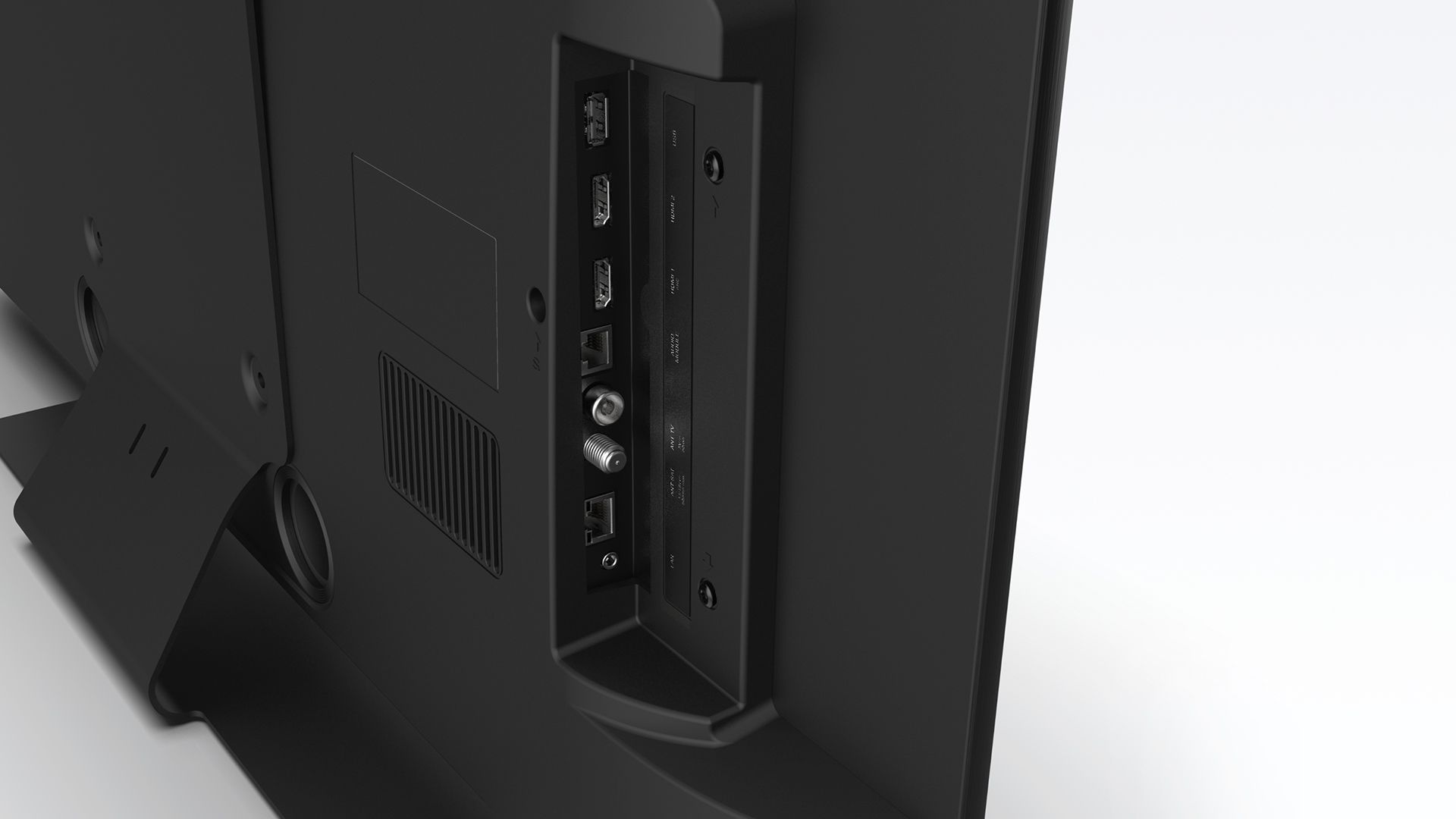
Before purchasing, check the exact list of video and audio connections provided by this model and confirm compatibility with your existing equipment, whether that is a video source, stereo amplifier or home cinema receiver. Select the cable according to the connections available on both devices and the type of signal that needs to be carried.
Initial picture setup
If the picture menu offers several viewing modes, begin with a neutral or natural-looking profile. Familiar skin tones provide a useful reference when assessing colour saturation. Excessively vivid colours can conceal subtle differences between similar shades.
Do not immediately raise the sharpness setting to its maximum value. Excessive processing can create artificial outlines around objects. It is better to increase the setting gradually while observing text, hair and fine edges.
Assess SDR and HDR content separately. These signal types have different energy figures and picture-processing requirements. A setting that works well for one source will not necessarily be the best choice for another.
Technical specifications
Technical information is provided according to the store’s data.
| Model | Loewe bild 1.43 |
|---|---|
| Product type | Television |
| Screen type | LCD display with LED backlighting |
| Screen size | 108 cm / 43 inches |
| Resolution | Ultra HD, 3840 × 2160 pixels |
| Picture processing | HDR picture processing and software developed by Loewe |
| EU energy-efficiency class | G in SDR mode / G in HDR mode |
| Power consumption when on | 66.3 W |
| Energy consumption per 1,000 hours | 66 kWh in SDR mode / 86 kWh in HDR mode |
| Standby power consumption | 0.26 W |
| Off-mode power consumption | 0.00 W |
FAQ
Can this television display 4K content?
Yes. The screen resolution corresponds to the Ultra HD format. To benefit from its full level of detail, you need content in that resolution and a signal path capable of carrying it correctly.
How should I choose a suitable position for the television?
Consider the space occupied by the entire cabinet, not only the screen’s diagonal measurement. Keep the display at a comfortable viewing height and away from direct reflections.
How can I check compatibility with a video source or sound system?
Before ordering, compare the television’s connection list with the connections on the specific video source, stereo amplifier or home cinema receiver. Choose a cable only after identifying the connections available on both devices and the signal that must be transmitted.
Why is energy consumption higher in HDR mode?
HDR content is processed using a wider brightness range. The stated energy figure for 1,000 hours is therefore higher for this mode than it is for SDR content.
How should I begin adjusting the picture?
Select a mode that looks neutral and use familiar content as a reference. Adjust colour and sharpness in small steps, comparing each change from your normal viewing position.
Is the television suitable for a multi-device system?
That depends on the connections and control functions your system requires. Multi-TV or multi-room operation is not specified for this model, so it cannot be promised.